How to import HTML Email Templates/ Campaigns
Are you tired of manually building email templates on different platforms, or do you happen to have several go-to templates?
With the HTML Email builder, you can effortlessly import your pre-existing email templates from various systems. This convenient feature saves you time and energy, as you can manage all your email campaigns in one unified platform while utilizing your top-performing emails.
Covered in this article:
Steps to Use HTML Email Templates/ Campaigns
For Templates
For Campaigns
Steps to Use HTML Email Templates/ Campaigns
The user will be required to visit the Marketing > Email Builder.
For Templates
- The user needs to click Create New Template.
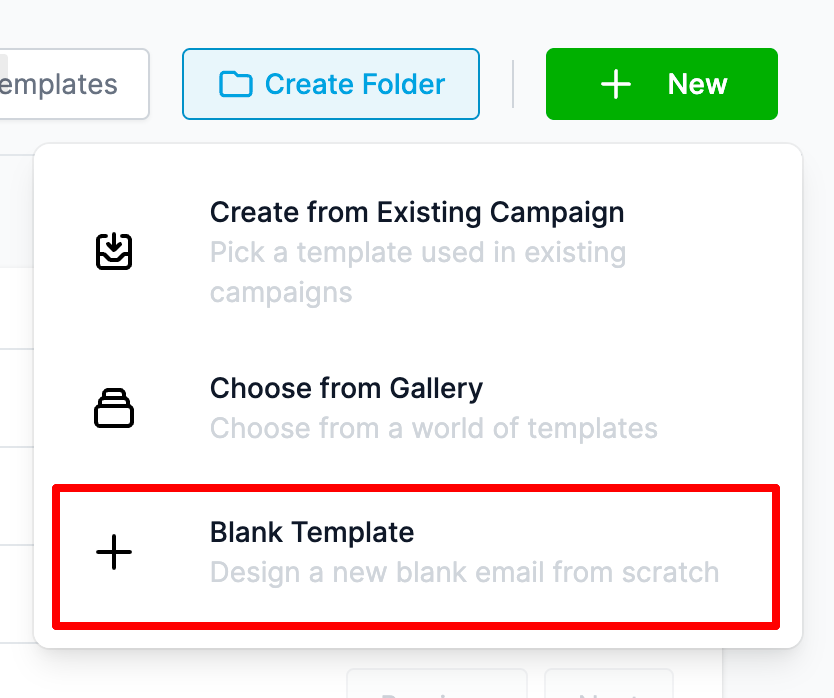
- In the dropdown, there are 3 options. Select the option of Blank Template from the three options.
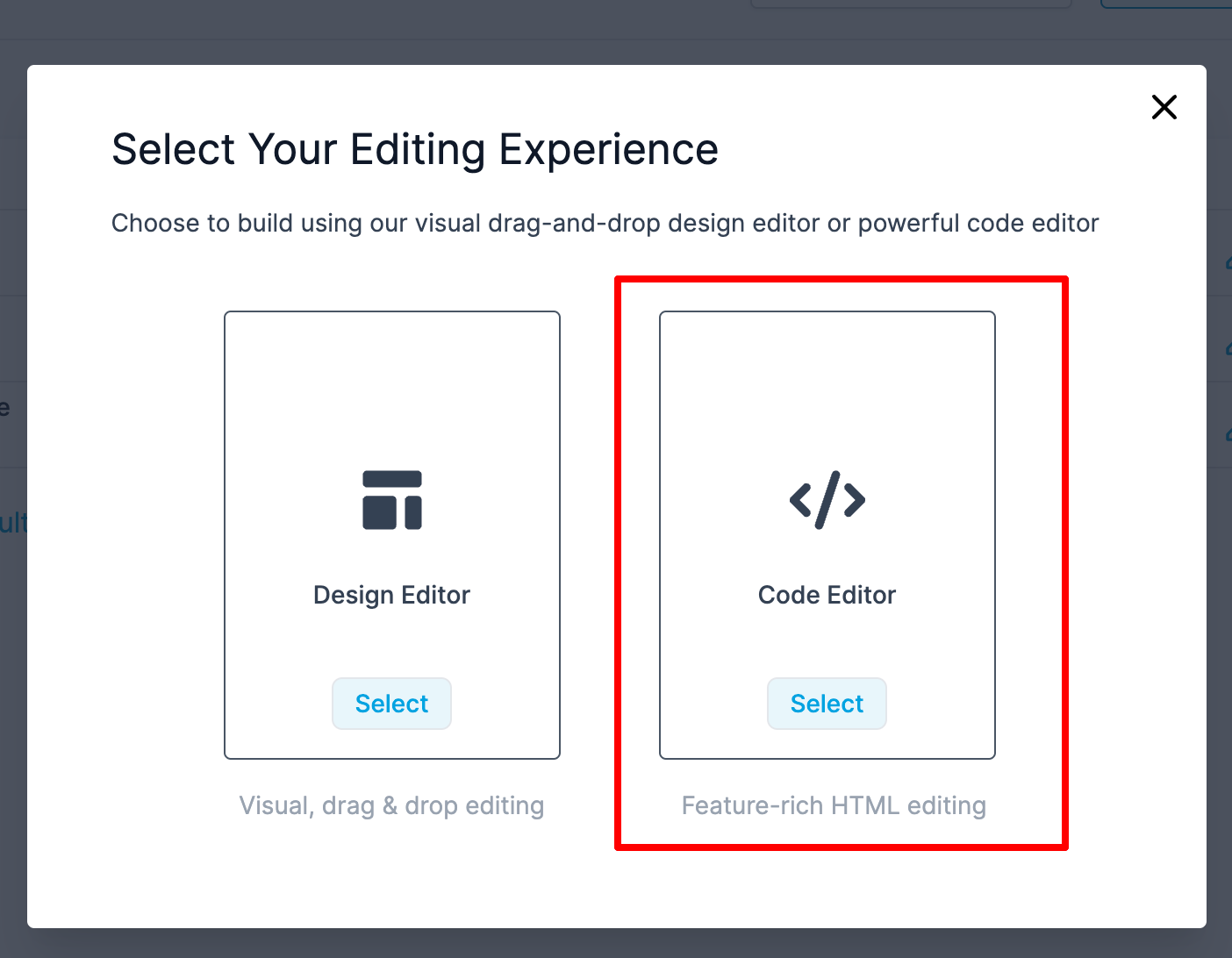
3. There will be a popup window with the option of Design Editor (drag and drop builder) and Code Editor (HTML builder). The user needs to select the Code Editor.
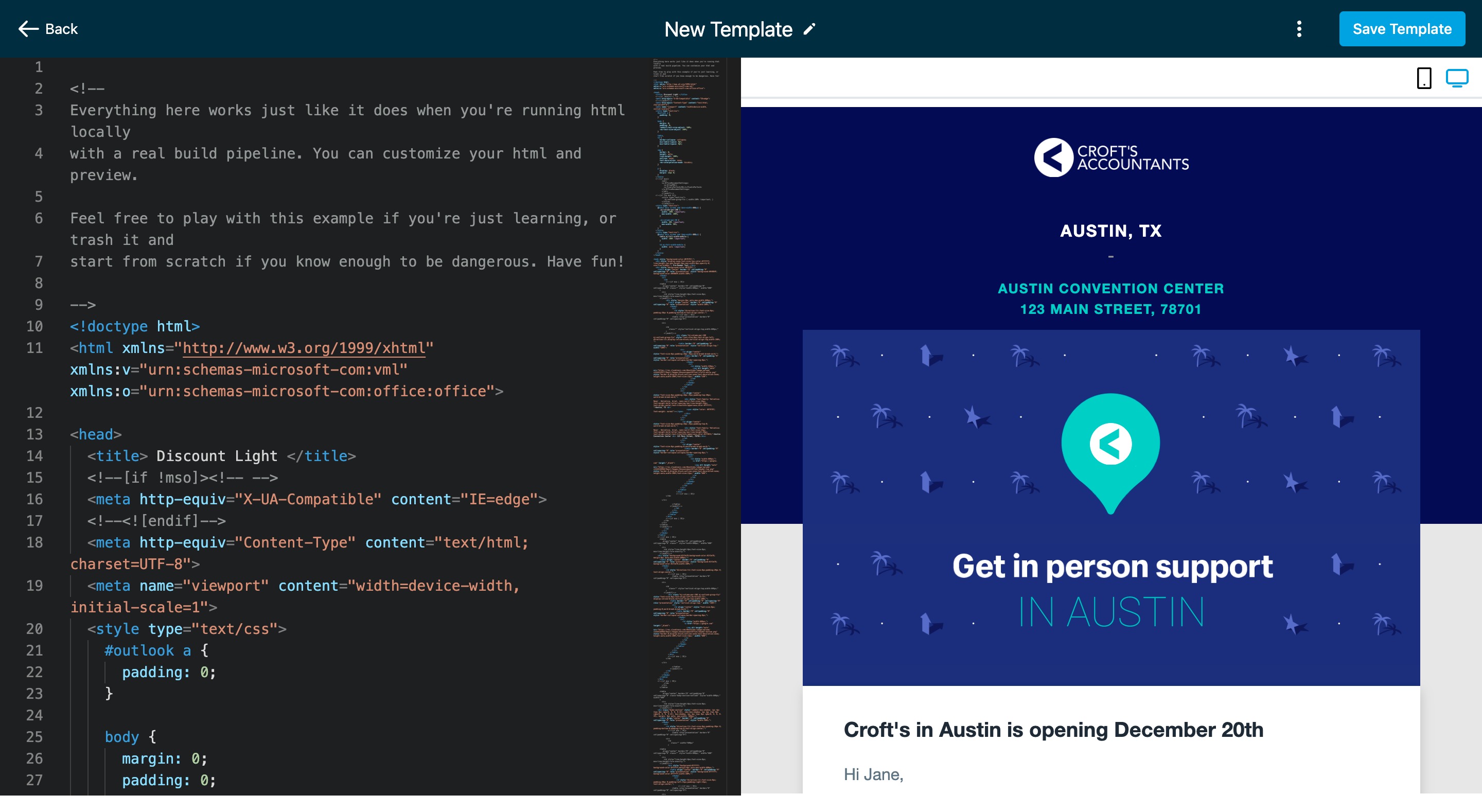
4. Once the Code Editor opens, please paste HTML in the Editor area to get the preview.
For Campaigns
- The user needs to click Create Campaign.
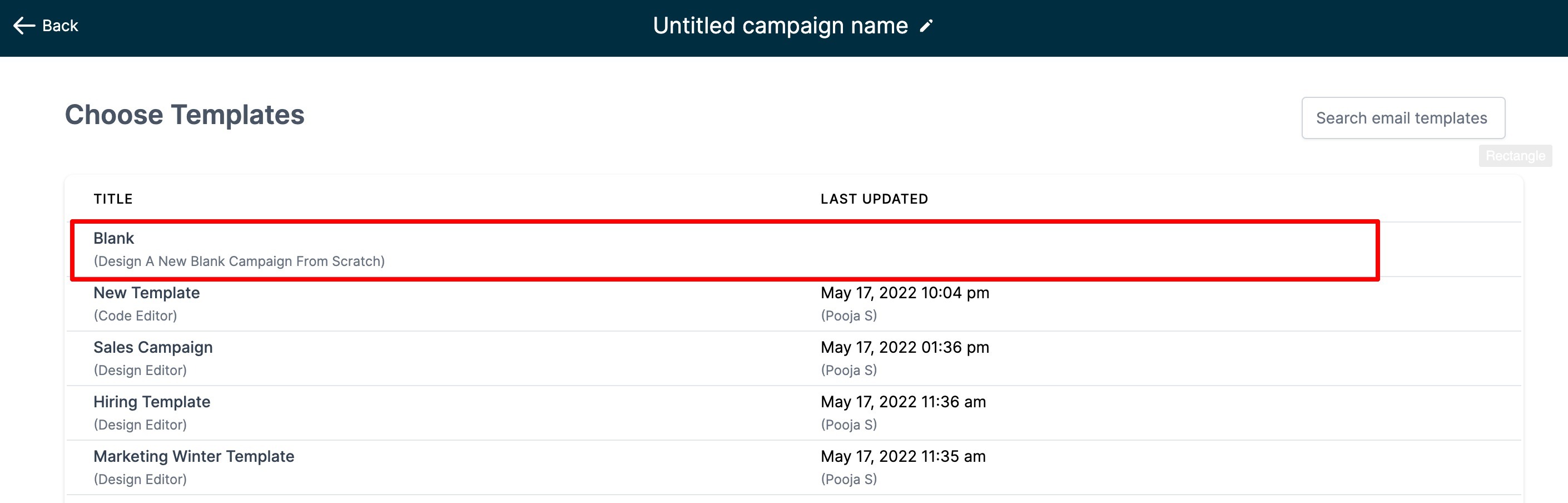
2. There will also be a screen with a list of all the templates and blank campaigns. Select the option of Blank Campaign to go forward.
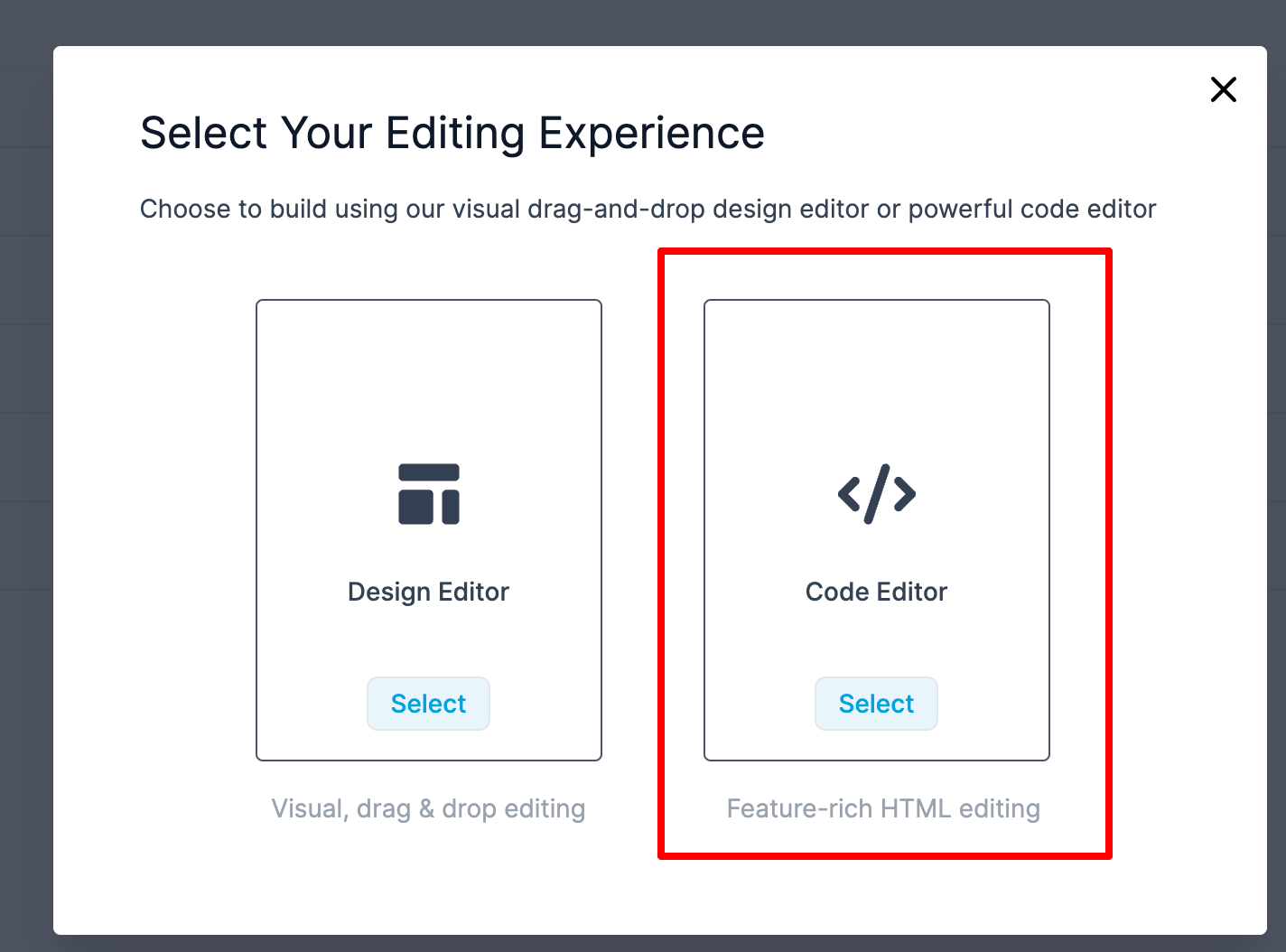
3. There will be a popup window with the option of Design Editor (drag and drop builder) and Code Editor (HTML builder). The user needs to select the Code Editor.
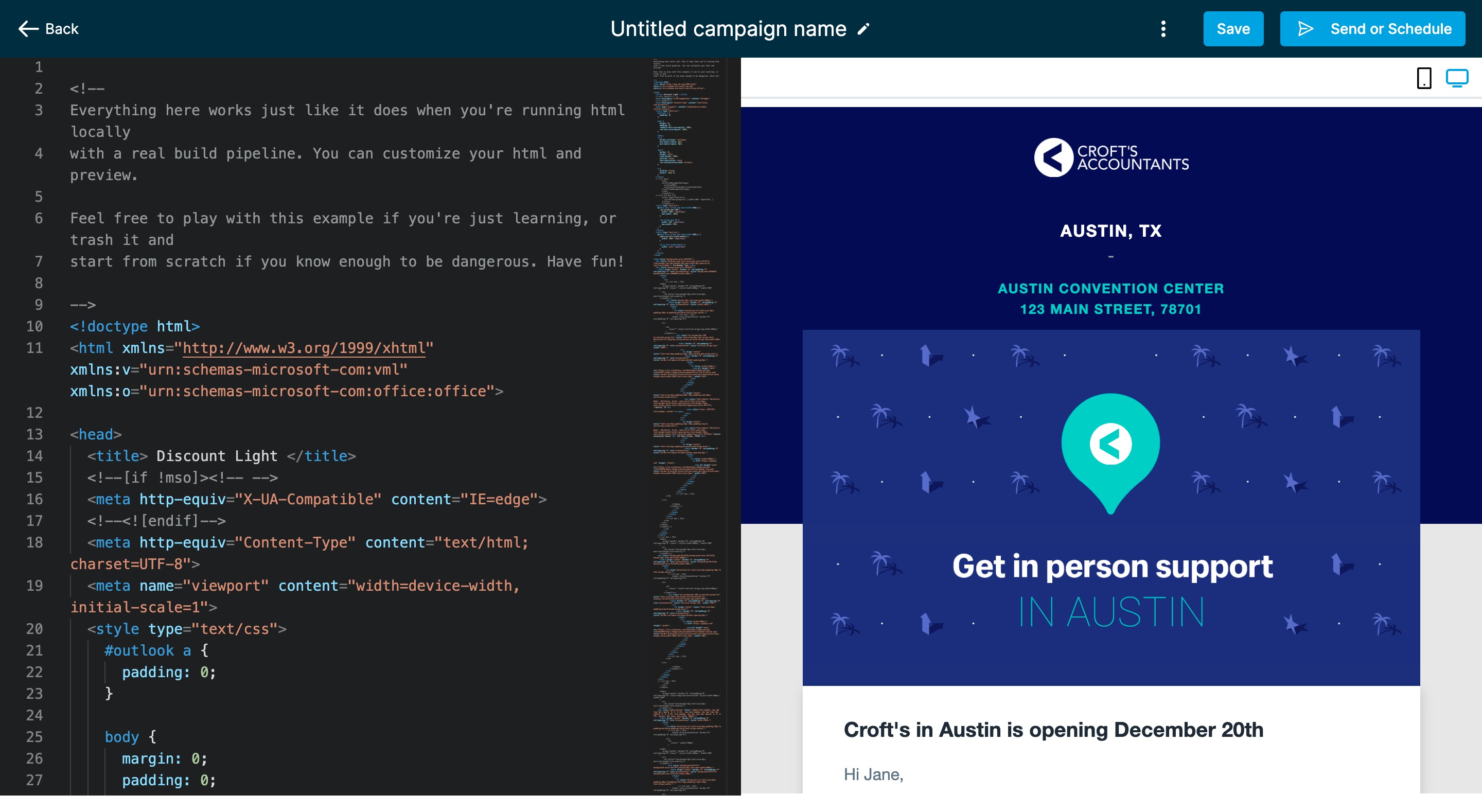
4. Once the Code Editor opens, please paste HTML in the Editor area to get the preview.
Was this article helpful?
Related articles
- How to reschedule an email campaign? (Email Builder)Rescheduling of Email Campaign is possible for Simple Schedule, Batch Schedule, and RSS Schedule one hour (60mins) ahead of the execution date. The user will be required to visit Marketing > Email. Please visit the Email Campaign tab: it will have a list of Email Campaigns listed with Simple SchedEmail Builder
- Email Sequences: Automated Follow-UpsEmail Sequences help you automate multi-step email follow-ups while keeping each message in a single threaded conversation. This makes it easier to send timely outreach, maintain context with recipients, and track how each step performs. Email Sequences are useful for sales follow-ups, lead nurturiEmail Builder
- Shared Snapshots Summary: Track Daily Snapshot Import ActivityShared Snapshots Summary helps agencies monitor how their Shared Snapshots are being imported across ResQEngage. With daily in-app notifications and email digests, you can see which snapshots are being used, how often they are imported, and where import activity is happening. This gives your team beEmail Builder