Lead Connector for mobile -How to download the beta version
IN THIS ARTICLE
Get early access to new mobile features before anyone else, and help shape the future of LeadConnectors iOS & Android apps! Compared to the standard mobile app, you’ll receive bug fixes and updates much quicker !
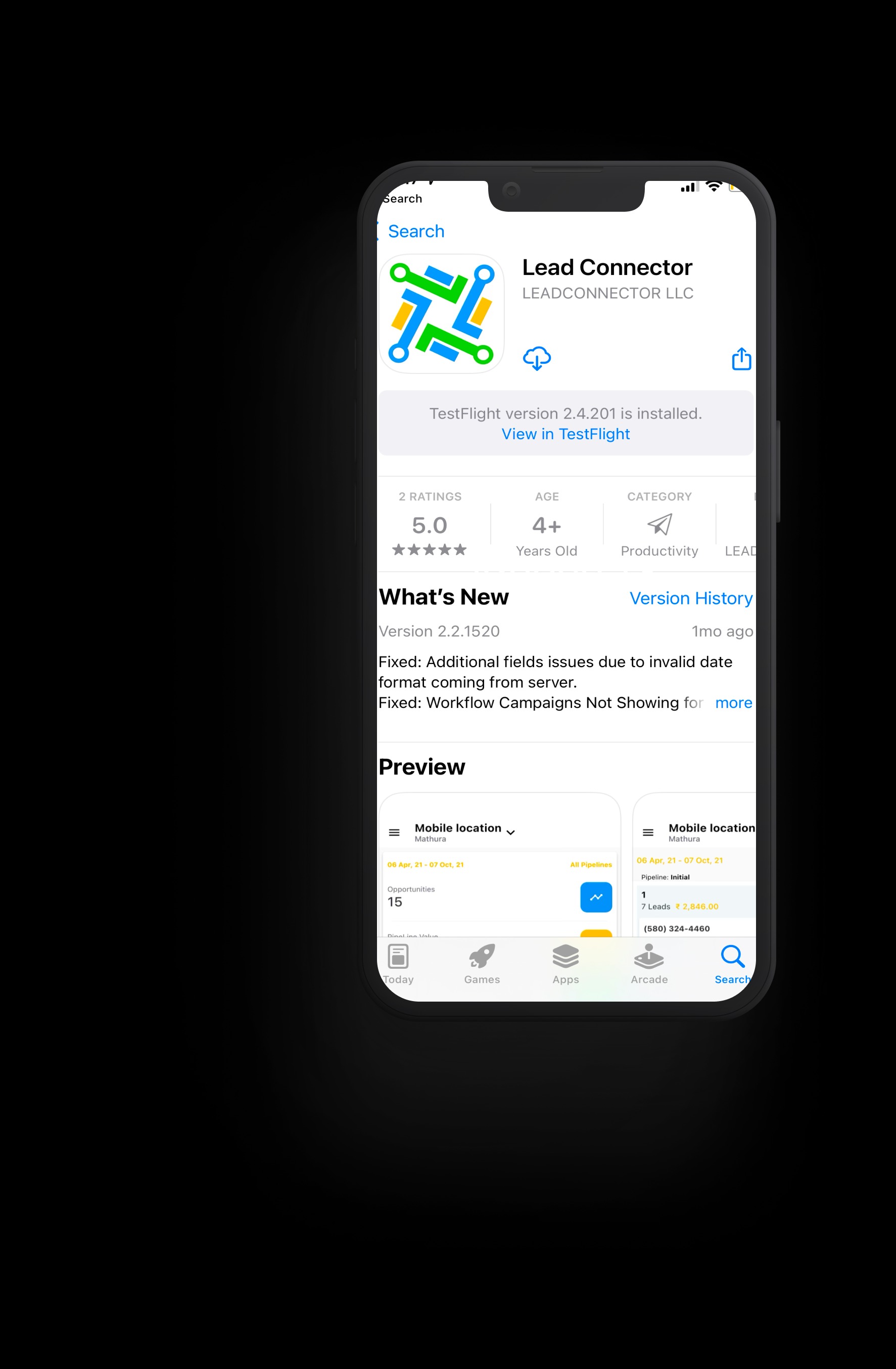
Lead Connector beta for iOS
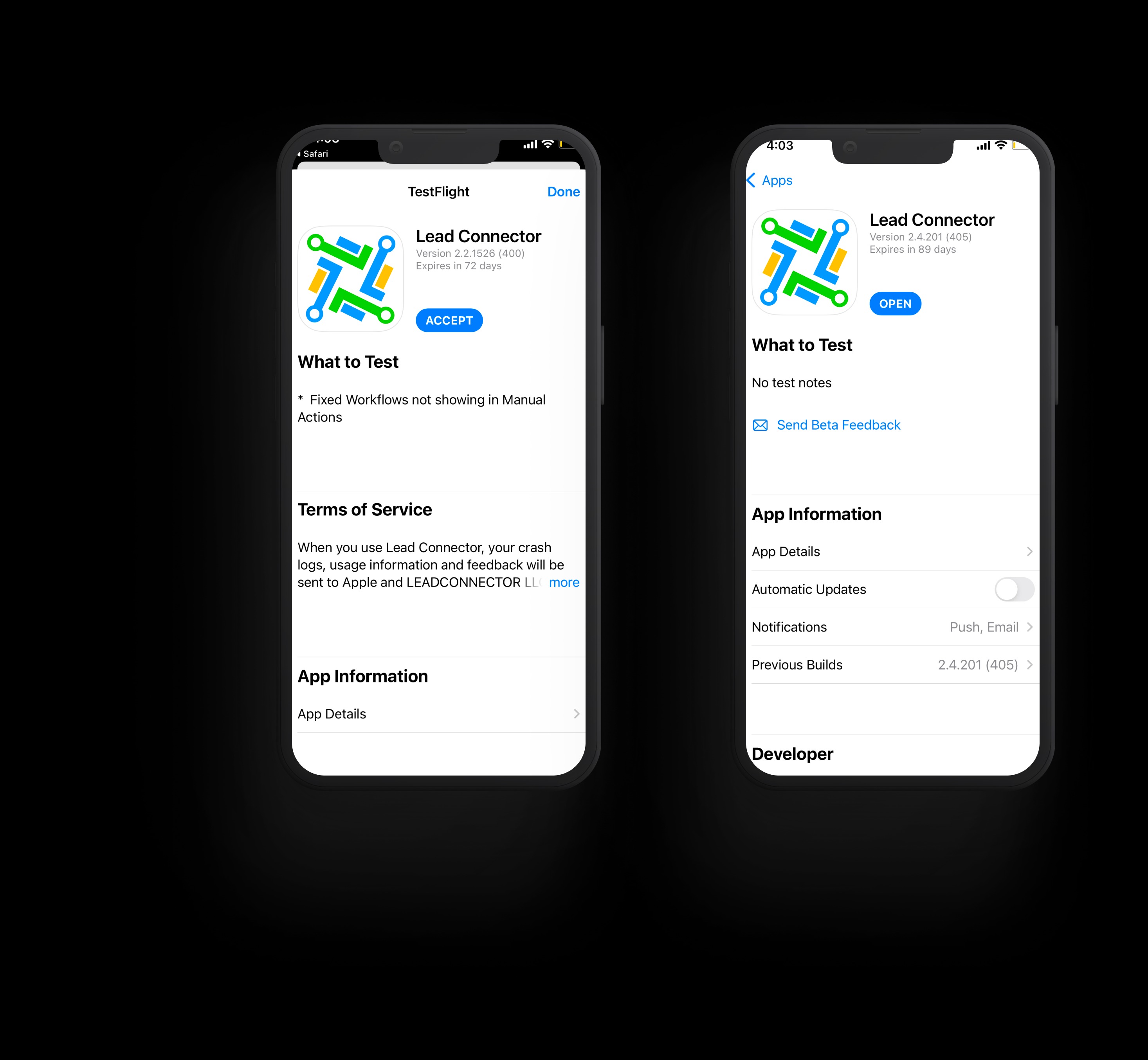
Go here to install the TestFlight app on your device if you don’t have it already.Once the TestFlight app is downloaded to your device, click on this link to download the Lead Connector iOS beta app. If you already have the standard Lead Connector app installed, the beta version will replace it.
Note: Apple only allows up to 10,000 people to sign up for a beta app through TestFlight. First come, first served!
Feedback is a gift! Help Lead Connectors engineering team make our mobile apps even better by sending bug reports and feedback:
In the Lead Connector Beta app, press the power button and volume up button at the same time to take a screenshot. Tap the “Share” button at the top right, then scroll down to see the “Share Beta Feedback” button in the share sheet.
In the TestFlight app, tap on “Lead Connector Beta,” then tap the “Send Beta Feedback” button.
In the TestFlight app, tap on “Lead Connector Beta,” then scroll to the bottom of the page. Tap the “Stop testing” button to be removed from the beta.
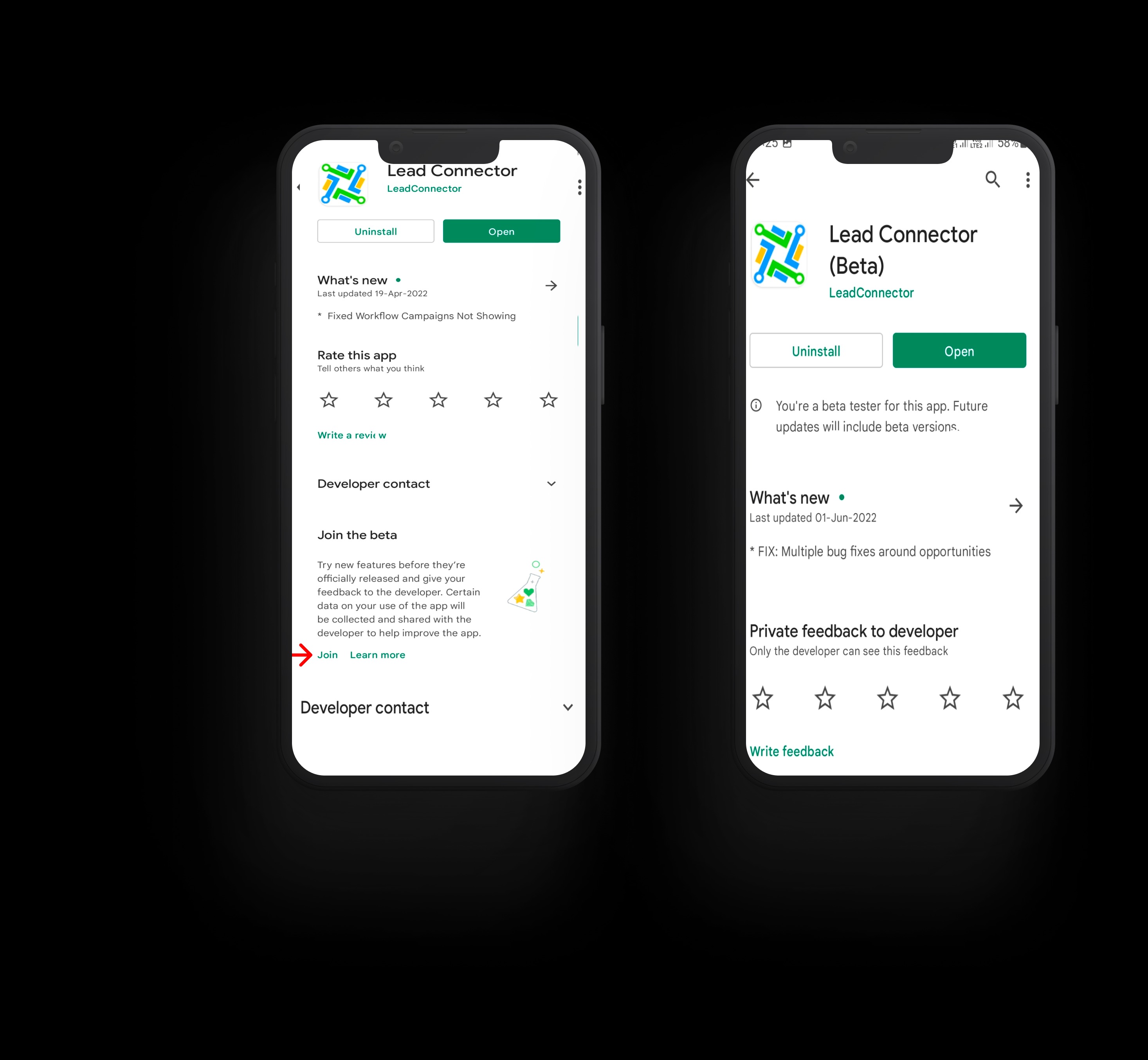
Scroll to the bottom of the page until you see the section titled “Join the beta.”
Then tap the “Join” button — that’s it!
Feedback is a gift! Help Lead Connector's engineering team make our mobile apps even better by sending bug reports and feedback:
- Open the Play Store
- At the top right, tap your profile icon
- Tap “Manage apps & device”
- Tap “Ratings & reviews”
- Scroll until you find Lead Connector in the list, then tap “Write feedback”
Go to Lead Connector’s app listing in the Google Play Store here. Scroll to the bottom of the page until you see the section titled “You’re a beta tester.” Tap the “Leave” button to be removed from the beta.
Participation is entirely voluntary. Before you sign up, please keep in mind that by accessing and using our beta apps, you are acknowledging and accepting any risks from using an app that has not yet been released to the general public. For example, beta apps can contain more bugs than our publicly available products.
Your decision to participate in beta testing is also subject to any applicable Beta Services terms in your agreements with us.
Was this article helpful?
Related articles
- How to create invoices in ResQEngage (Mobile App)Overview How to create a new invoice How to edit your invoice info How to add taxes to your invoice How to add a discount to your invoice How to send your invoice How to check the status of your invoices Overview You can now send invoices to your customers/clients using the products that you have crGet Started
- Getting Started with the LeadConnector Mobile AppThe LeadConnector mobile app lets you run your business from your phone — manage conversations, contacts, calendars, and payments on the go. It's the white-labeled mobile companion to your ResQEngage account. Download and sign in - Install the LeadConnector app from the Apple App Store or Google PlaGet Started
- Invoices & Payments in the Mobile AppYou can bill clients and take payment directly from the LeadConnector mobile app — useful for collecting payment in person at a class. Create an invoice on mobile - Open the app and go to the Payments area (or the invoice option on a contact). - Create a new invoice, add the client and line items, aGet Started