WordPress ResQEngage Plugin: All you need to know
What is the ResQEngage Plugin?
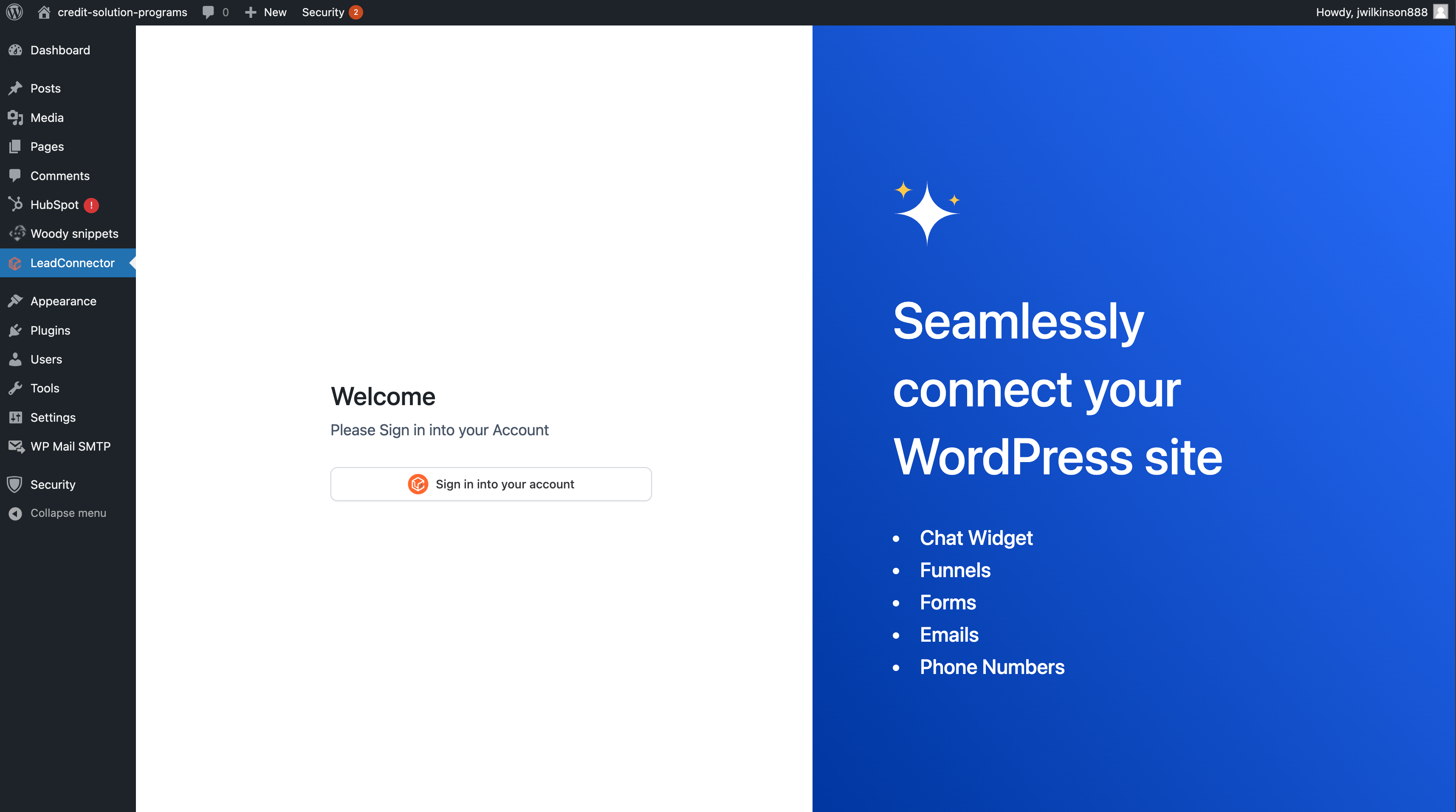
The ResQEngage WordPress plugin is a powerful conversion tool that empowers your website to capture, engage, and convert visitors with minimal effort. It seamlessly integrates high-converting widgets such as chat widgets, forms, funnels, phone number pools, review widgets and calendars — all designed to improve your lead acquisition strategy directly from your WordPress site.
Whether you’re looking to engage customers via SMS or email, display beautifully crafted funnels, or schedule appointments with ease, ResQEngage is your all-in-one toolkit for digital growth — without writing a single line of code.
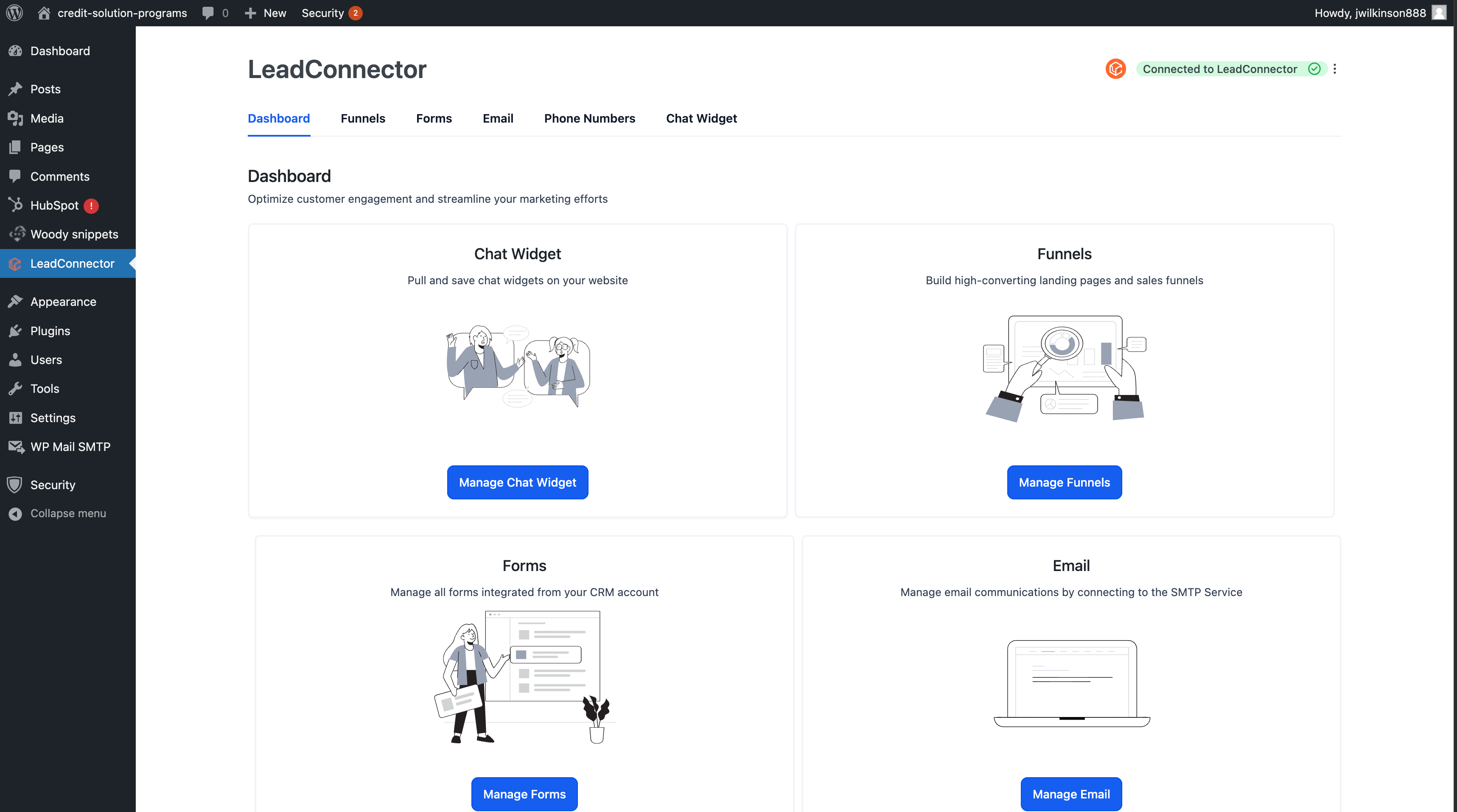
Key Features & Capabilities
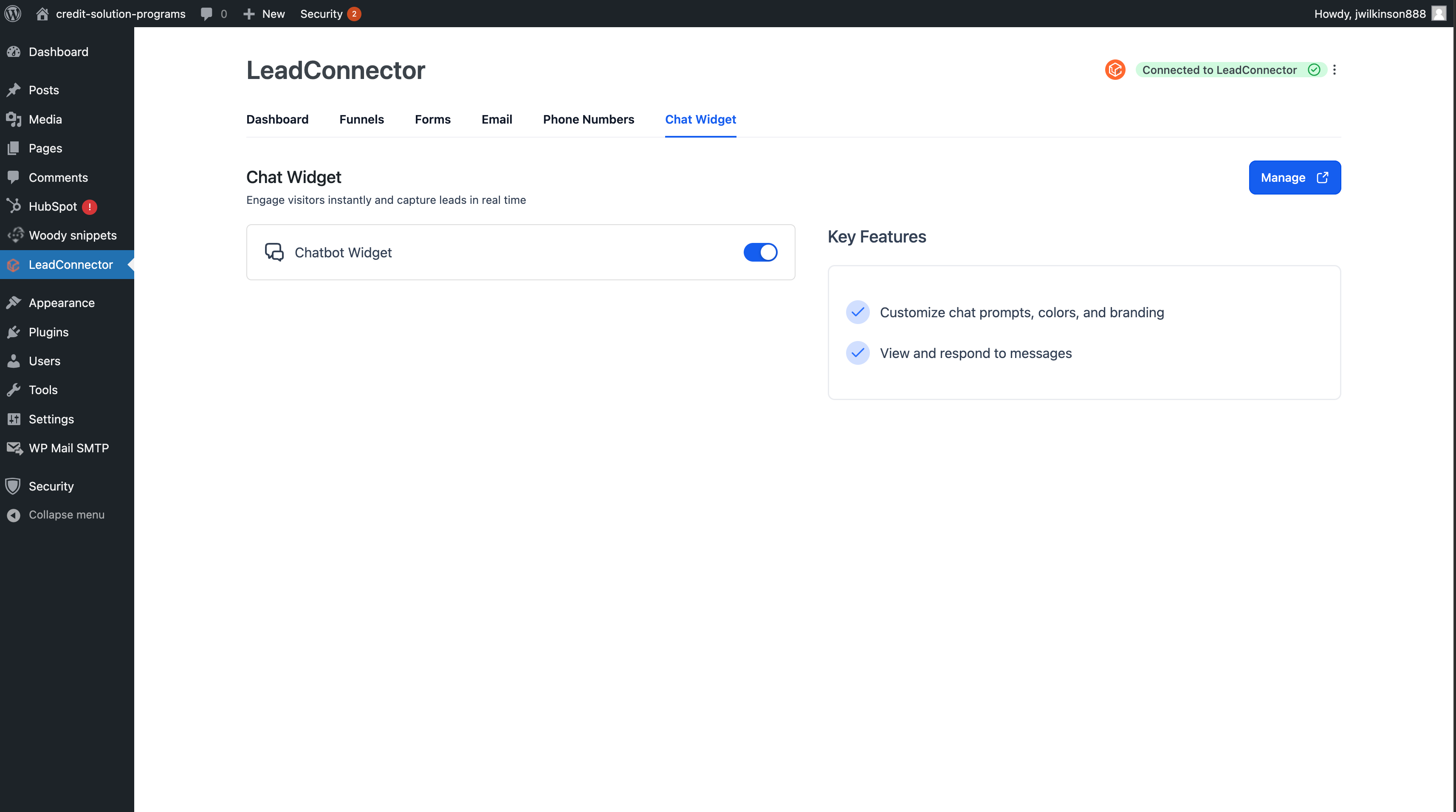
Text-to-Chat Widget
Embed a real-time chat widget directly on your site. This chat can be configured to automatically initiate conversations via SMS, guiding visitors from interest to conversion quickly and naturally.
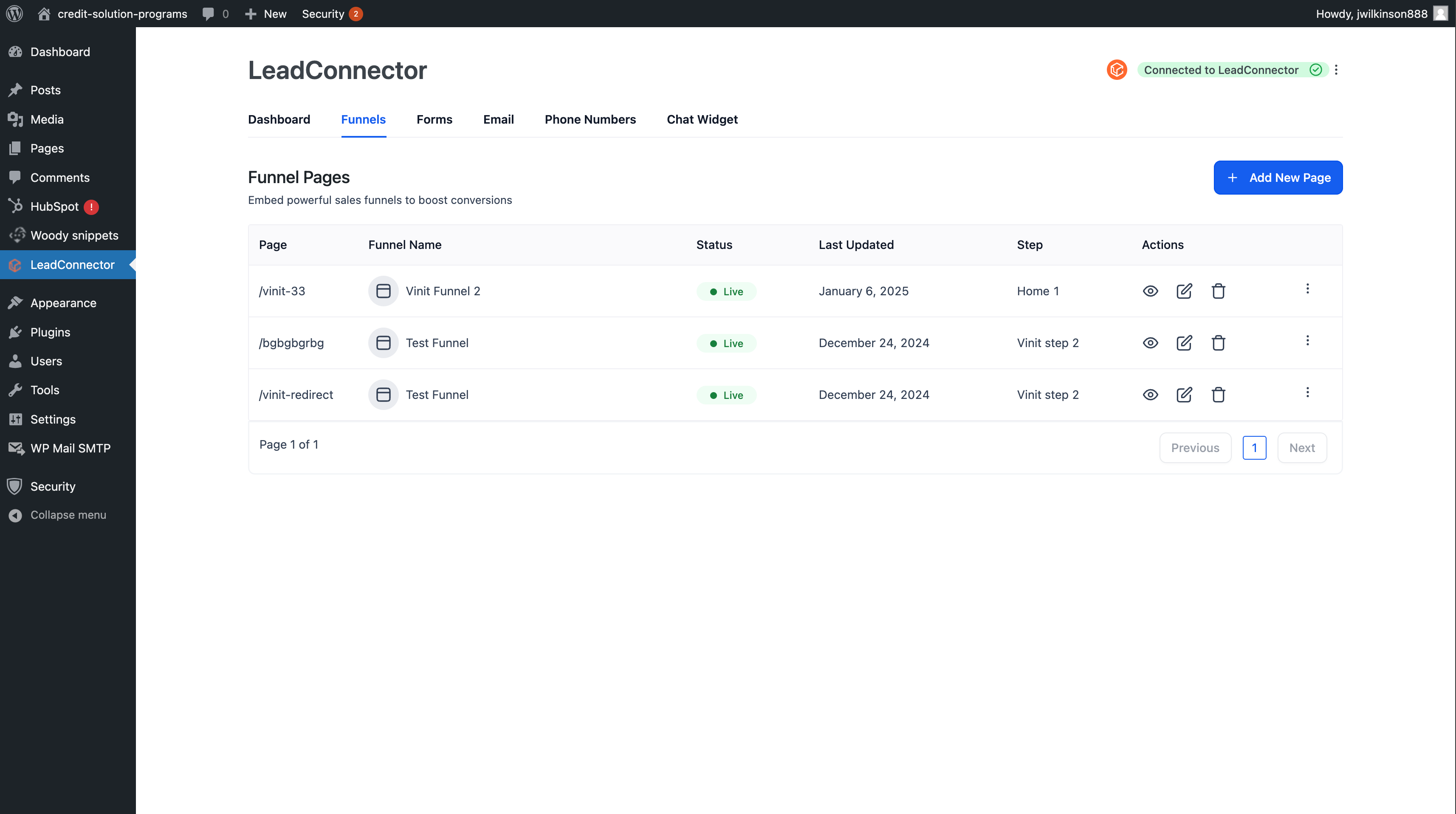
Funnel Page Embeds
Bring high-converting funnel pages into your WordPress site with a simple shortcode or widget. No need for redirection or external tabs — visitors stay immersed on your site.
Form Integration
Embed forms that directly capture user info—email, phone, name—and instantly sync them to your CRM or marketing workflows.
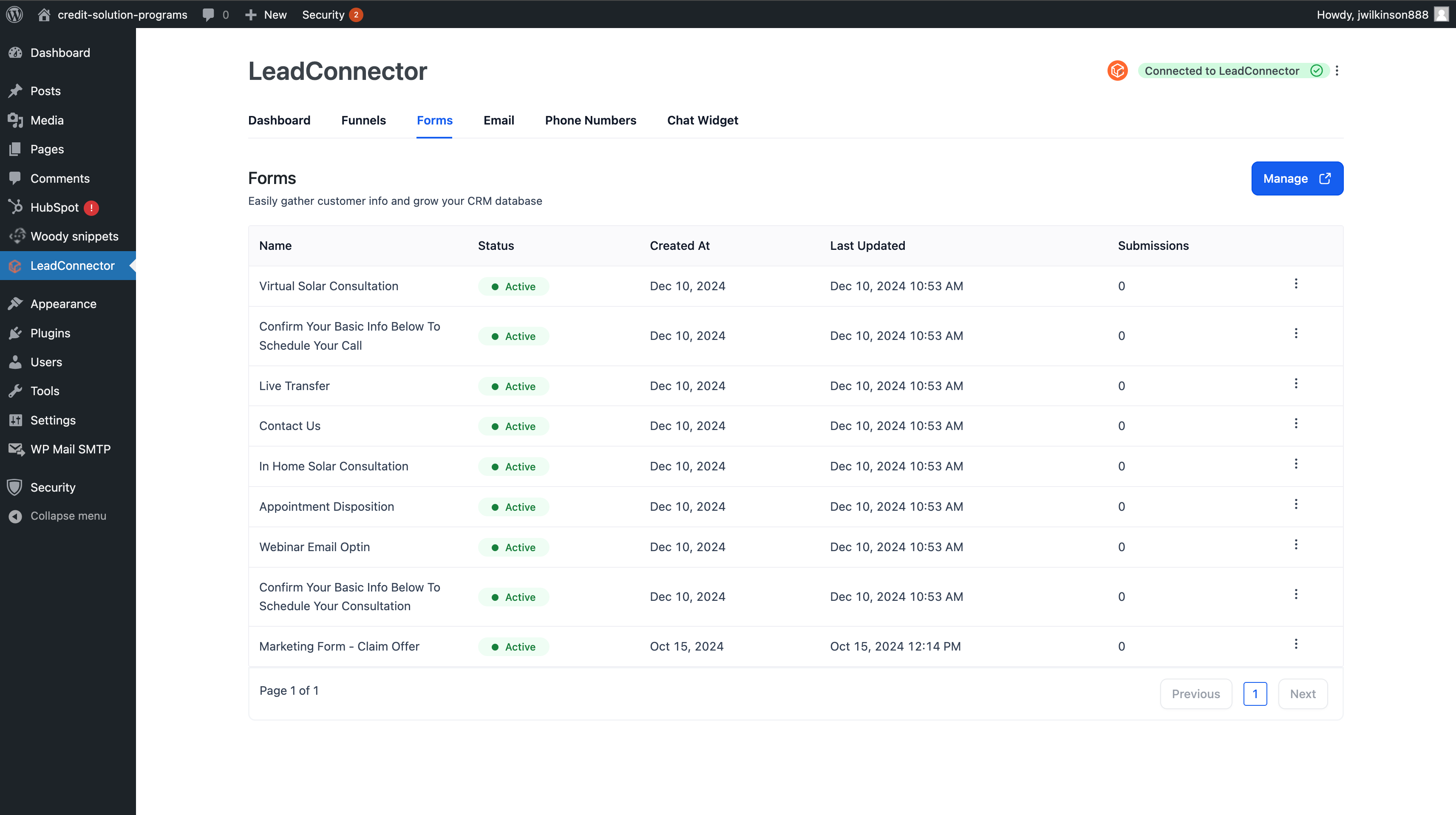
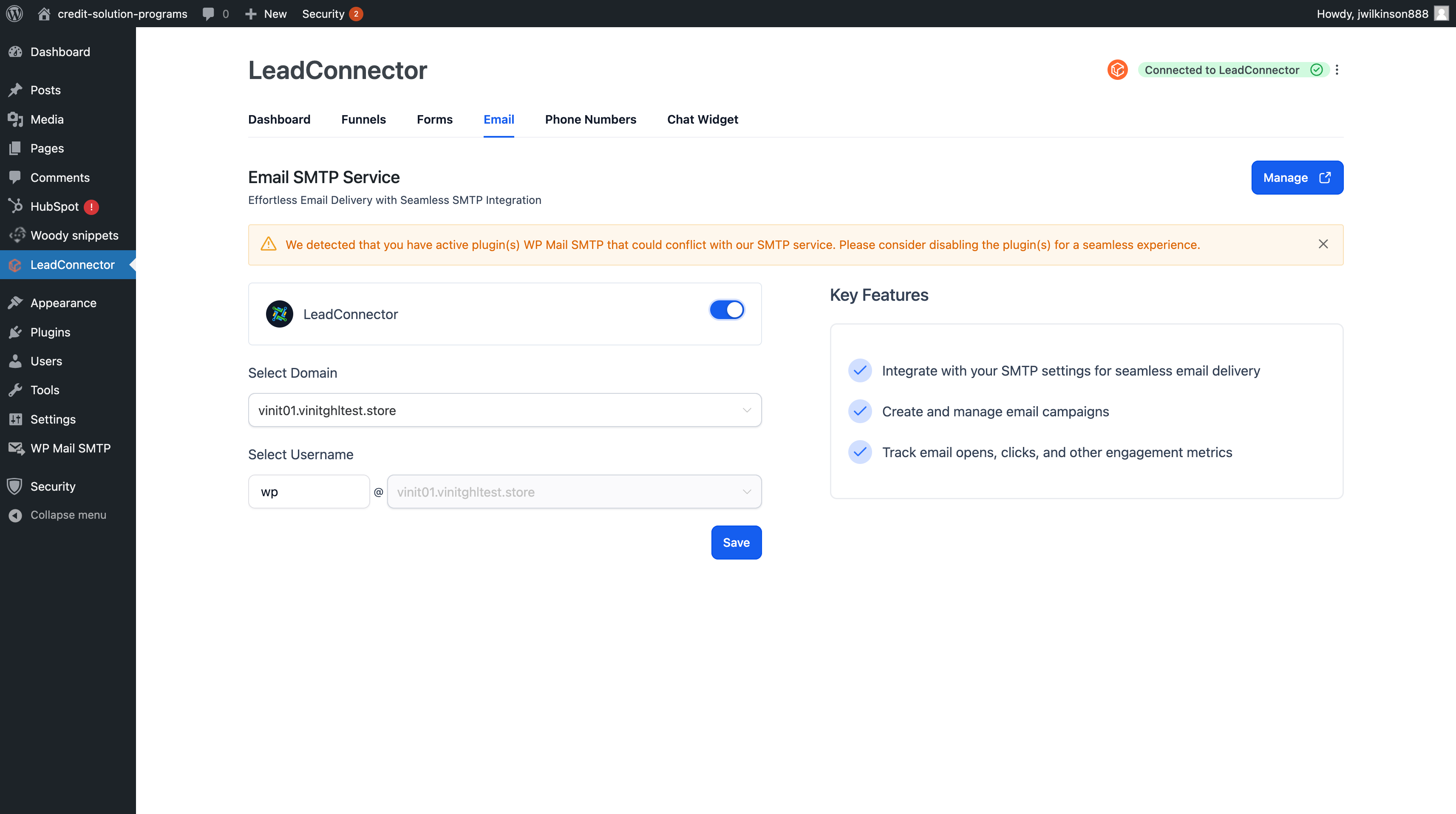
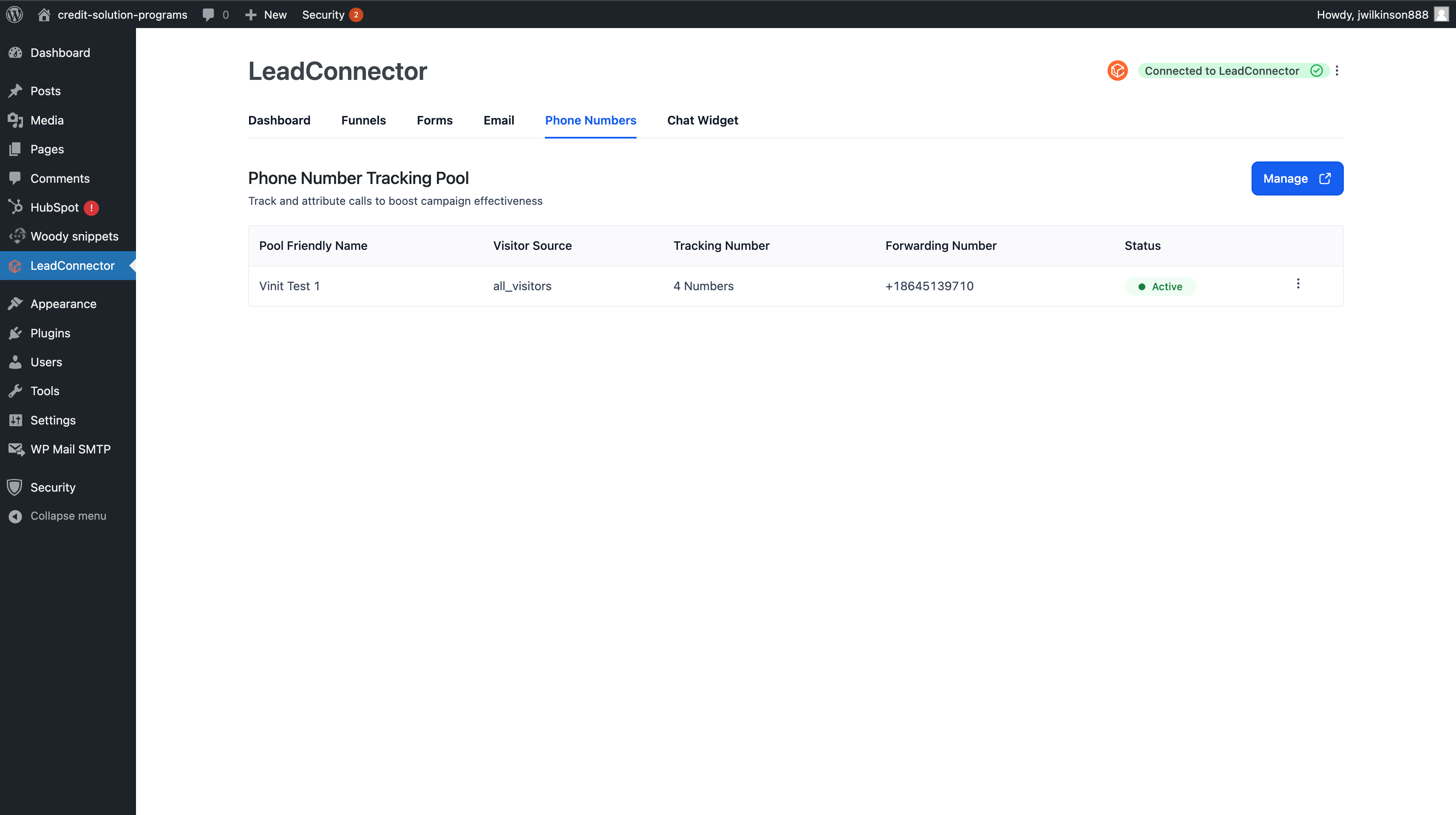
Email & Phone Tracking Pools
Enhance attribution and follow-up through dynamic email and phone number tracking. Each form or funnel submission gets mapped to its source for better campaign performance measurement.
Custom Values
Dynamically personalize form and funnel content using custom values tied to your contacts or campaigns.
Calendar Widget Embed
Display your booking calendar directly on any WordPress page. Perfect for service-based businesses, agencies, or appointment scheduling flows.
Review Widget
Display your best reviews on your website to build trust and credibility. Fetches live reviews and displays them in customizable layouts.
Quizzes
Interactive quizzes that engage visitors, segment leads, and capture detailed info for better personalization.
Surveys
Gain deep customer insights through branded, embeddable surveys.
Why Use ResQEngage Plugin?
Boost Conversions – Every tool is optimized for lead capture.
All-in-One – Eliminate third-party scripts and plugins.
No-Code Simplicity – Everything is drag-and-drop or copy-paste embed.
High-Speed – Minimal impact on page speed or performance.
Scalable – Whether you're a solopreneur or an agency managing 100+ clients.
How to Get Started
Install the ResQEngage Plugin from your WordPress dashboard or upload the .zip file.
Activate it and connect your account.
Customize which widgets you want: chat, calendar, form, funnel, etc.
Paste Embed Links or Shortcodes into any page or post.
Launch and start capturing leads instantly
Was this article helpful?
Related articles
- How to point your domains or subdomains to your WordPress SiteTABLE OF CONTENTS - Setting up a new WordPress Site - Setting up new WordPress as a Blog- Linked Articles for other Domain Registrars - Setting up new WordPress as your main site - Migration of an Existing Website - FAQs- Q1: I'm unable to add the same domain to my other subaccount / location: - QWordPress
- WordPress - Adding Domains for your siteThis article provides instructions for adding and configuring domains for a WordPress website. Covered in this Article How to add Domains to your WordPress website? a) Adding new Root Domain as your primary Domain b) Adding WWW domain as Primary for your WordPress site c) Adding Sub-Domain to WP sWordPress
- How to Add Domains in the WordPress DashboardAdding a domain to a WordPress site is necessary to make the website accessible to the public through that Domain. A domain serves as the website's address, and visitors can use it to access the site. The article provides step-by-step instructions for adding a primary domain and additional domains tWordPress
- SSH Access and SSH Keys Management on Your WordPress HostingSSH (Secure Shell) provides a secure way to connect to your server and manage your WordPress installation using command-line tools like WP-CLI. This guide will walk you through how to enable SSH access, create and add SSH keys, and connect to your site securely. What is SSH and Why Use It? SSH alloWordPress