WordPress Error Codes and FAQ
Our WordPress Hosting system has a few error codes that are unique only to our system and need specific troubleshooting steps to take care of them.
Covered in this Article
What is the meaning and Troubleshooting for each of these errors?
What is the meaning and Troubleshooting for each of these errors?
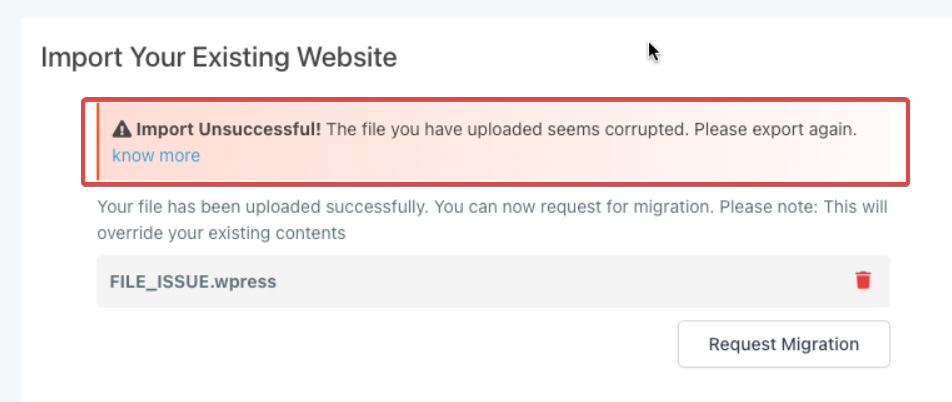
File Corrupted:
It can be that in this WordPress installation or in your source WordPress installation (from where you created this file), the file became corrupted and cannot be used for this import. Please delete this file and try again.
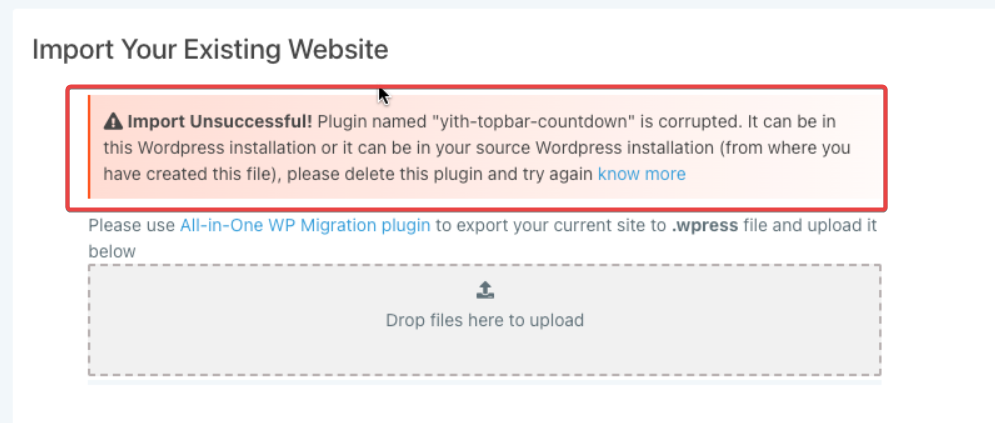
Plugin Issue:
The error message may look something like: "Plugin named “yith-topbar-countdown” is corrupted."
The Error can be in this WordPress installation or it can be in your source WordPress installation (from where you have created this file), please delete this plugin and try again.
Unknown Error (where both the Plugin and File could be corrupted):
It will detect plugin issue first & display the plugin error on the UI)
The plugin named “yith-topbar-countdown” is corrupted. The Error can be in this WordPress installation or it can be in your source WordPress installation (from where you have created this file), please delete this plugin and try again. Once you have done that if the file is corrupted too then the error will change and show the file corruption error discussed above, you can then delete the file and try again in that case.
Was this article helpful?
Related articles
- WP File Manager Plugin (Stable Alternative for FTP Access)A WordPress file manager is a plugin that enables users to perform file management tasks from the WordPress dashboard. Instead of logging in to your control panel or File Transfer Protocol (FTP) client, you can access the WordPress website files from a single location. Covered in this Article: WhyWordPress Folder
- WordPress - Adding Domains for your siteThis article provides instructions for adding and configuring domains for a WordPress website. Covered in this Article How to add Domains to your WordPress website? a) Adding new Root Domain as your primary Domain b) Adding WWW domain as Primary for your WordPress site c) Adding Sub-Domain to WP sWordPress Folder
- LC WordPress Plugin | Fixing Cron Jobs/Crashing IssueFor Resolving the LC Plugin creating too many cron jobs/crashing your website please follow the steps provided below. Step 1 - Deactivate the LC plugin by going to Plugins -> Installed Plugins. Skip if already in Inactive state. Step 2 - Download the leadconnector-cron-fix plugin by clicking hWordPress Folder
- WordPress Hosting: Step-by-Step Migration GuideWelcome! This guide will help you seamlessly migrate your WordPress website into your new hosting environment. You have two simple options for migration — choose the one that best suits your needs. Option 1: Effortless Migration with the LC Migrator Plugin Best For: Fast, non-technical migrations WordPress Folder