The Share Registration screen gives you all the links and embed codes you need to share your class schedule. From one place, you can get links for your full class catalog, appointment booking, and group training, plus embeddable website widgets.
How to Share Your Group Training Registration
To find your corporate or private group training options, follow these steps:
- Open Share Registration. Click your username in the lower left of the screen, click the ^ arrow, then select Share Registration. The Share Registration pop-up will appear.
- Select the Group Training Inquiry page. Among the Registration Page options, under General Pages, select Group Training Inquiry. This is a standalone page with only the group training inquiry form.
- Copy and share the inquiry link. Click Copy Link to copy a standalone URL. Share this directly with prospects so corporate clients or organizations can submit private training requests.
- Generate website embed codes. If you prefer to host the form directly on your own website, click the Embed Code option instead of copying the link. From there, you can copy the specific widget type that matches your website's setup.
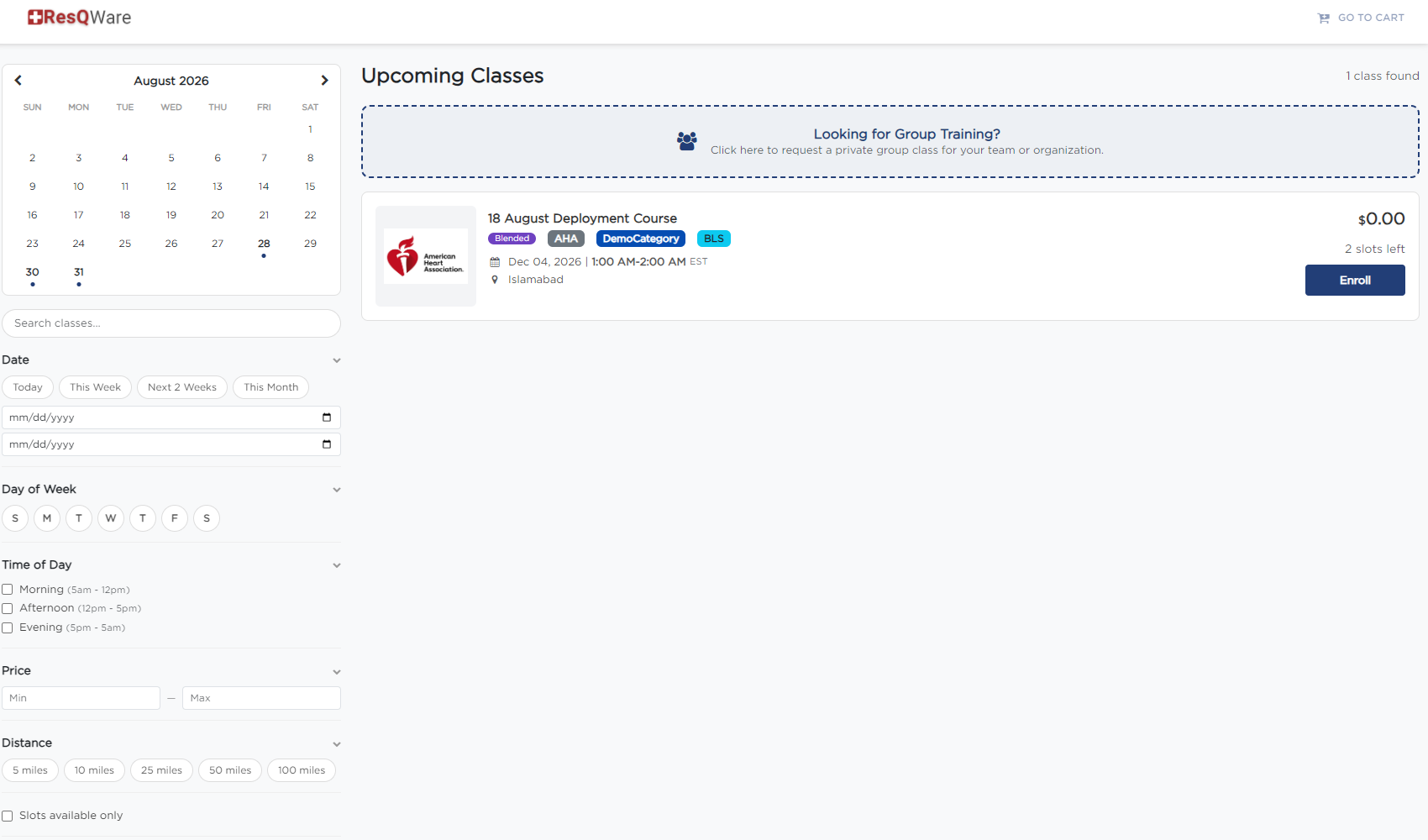
Available Embed Code Styles
When embedding the Group Training inquiry form onto your website, you can select from two different code formats depending on your technical setup:
- iFrame Embed Code — the standard, universally compatible option that displays the form in an isolated window on your page.
- Script Embed Code — a dynamic script option designed for fast loading and seamless modern web integration.
Was this article helpful?
That’s Great!
Thank you for your feedback
Sorry! We couldn't be helpful
Thank you for your feedback
Feedback sent
We appreciate your effort and will try to fix the article