Welcome to CPR Enroll+
Welcome to CPR Enroll+ — a complete operating system built specifically for CPR, first aid, and lifesaving training businesses. Whether you are an independent instructor running weekend classes or a training center managing dozens of instructors and hundreds of students a month, CPR Enroll+ is designed to handle every aspect of your operation so you can focus on what matters most: teaching.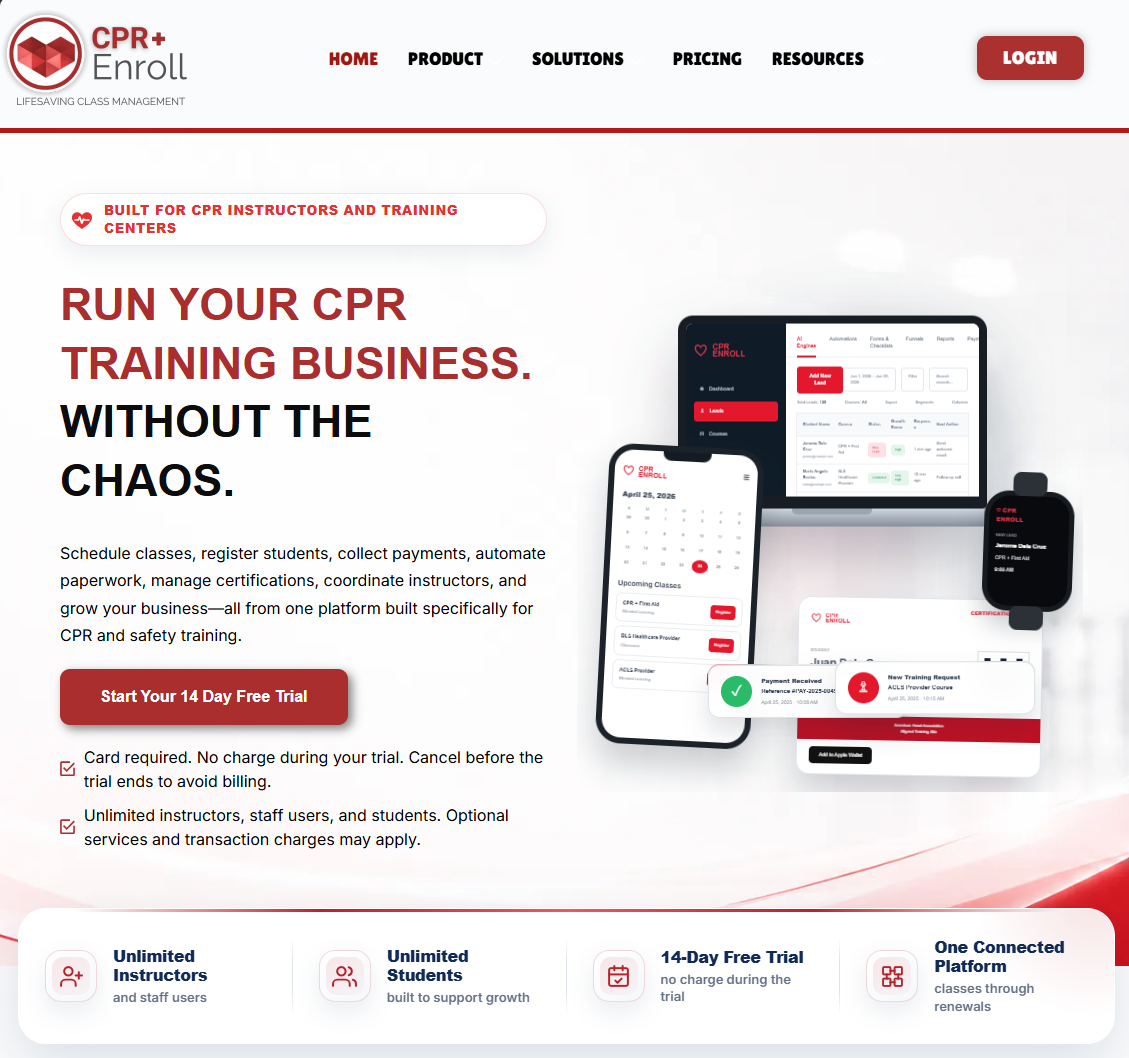
What Is CPR Enroll+?
CPR Enroll+ is a SaaS (Software as a Service) platform accessible at dashboard.cprenroll.com. It is built around two core engines that work together to run your training business end-to-end:
The Classes Engine — public and private class scheduling, mobile-friendly student registration, online payments, automated confirmation emails, certificate issuance, and QR code marketing.
The Admin & Compliance Engine — instructor and certification management, auto-generated rosters, skills checklists, paperwork submission and approval, audit-ready record storage, and role-based access control.
Who Is CPR Enroll+ Built For?
CPR Enroll+ serves training professionals at every scale:
Independent CPR instructors scheduling their own classes
Training centers managing multiple instructors and locations
Healthcare education companies delivering BLS, ACLS, PALS, and NRP programs
Organizations affiliated with the American Heart Association (AHA), American Red Cross (ARC), Health & Safety Institute (HSI), and 6 other certifying bodies
What Can You Do With CPR Enroll+?
Create courses and schedule classes (In Person, Blended, Online, Virtual, Skills Only, Kiosk)
Manage physical and virtual training locations with Google Maps integration
Track instructor certifications and portal access
Enroll students individually, manually, or by bulk Excel import
Process payments and invoices through Stripe
Generate QR codes and short links for marketing materials
Run compliance and attendance reports
Manage a product store with add-ons and volume pricing
Post job listings for instructors via the built-in Jobs Board
Share branded public registration pages at classes.cprenroll.com
Getting Started
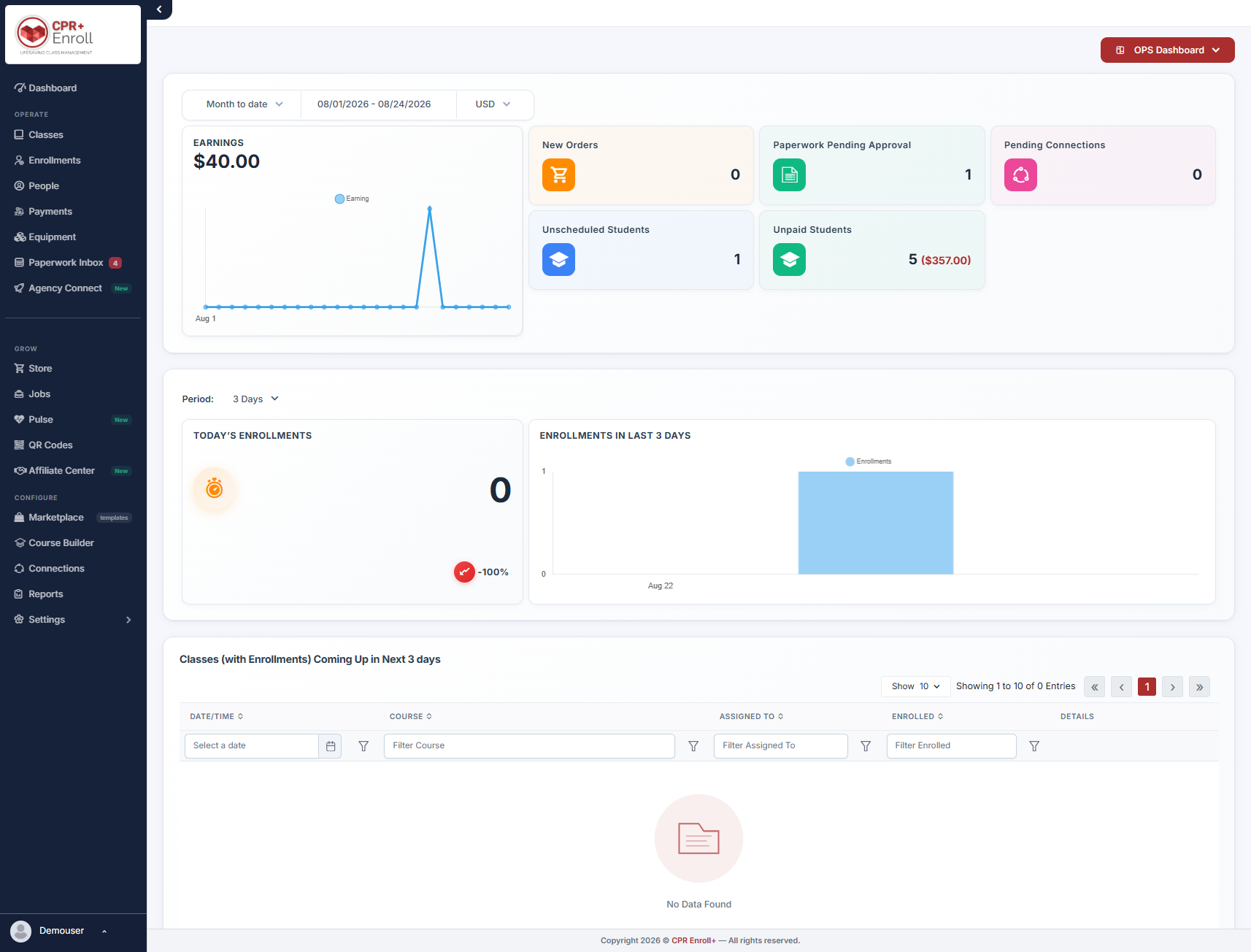
When you log in for the first time, you will land on the Dashboard — your home screen. From there, the Setup Guide (Settings > Setup Guide) gives you one-click access to every major action you need to take to get your account set up and your first class live.
✔ Recommended first steps Start with your Business Profile (Settings > Business Profile), then create a Location, then a Course, then schedule your first Class. The Setup Guide (Settings > Setup Guide) walks through each step in order. |
You are joining a community of training professionals dedicated to making communities safer. Welcome!
Was this article helpful?
Related articles
- The Launchpad is Gone, What Now?We've upgraded the way new accounts get started with CPR Enroll. The Launchpad has been retired, and in its place we've introduced the Setup Guide — a more organized, more complete home for everything you need to set up and start selling classes. Same purpose, better experience. ✔ Why the change is Welcome and Onboarding
- What Browsers do you need to use your AccountCPR Enroll is a modern web application built as a Single-Page Application (SPA). The admin dashboard at dashboard.cprenroll.com and the student registration pages at classes.cprenroll.com both require a current, JavaScript-enabled web browser to function correctly. Supported Browsers — Admin DashboaWelcome and Onboarding
- Schedule an Onboarding CallGetting started with a new platform is much easier when you have a guide. CPR Enroll+ offers a free one-on-one onboarding call for new account holders. In 30–45 minutes, a member of our team will walk through your specific setup, answer your questions live, and make sure you are ready to take your fWelcome and Onboarding
- How to contact Support?The CPR Enroll support team is here to help you resolve issues, answer questions, and get the most out of the platform. We offer several ways to reach us — choose the one that fits your urgency and preference. Support Channels ChannelHow to Use ItBest For [email protected] questions,Welcome and Onboarding