What Is an Enrollment URL?
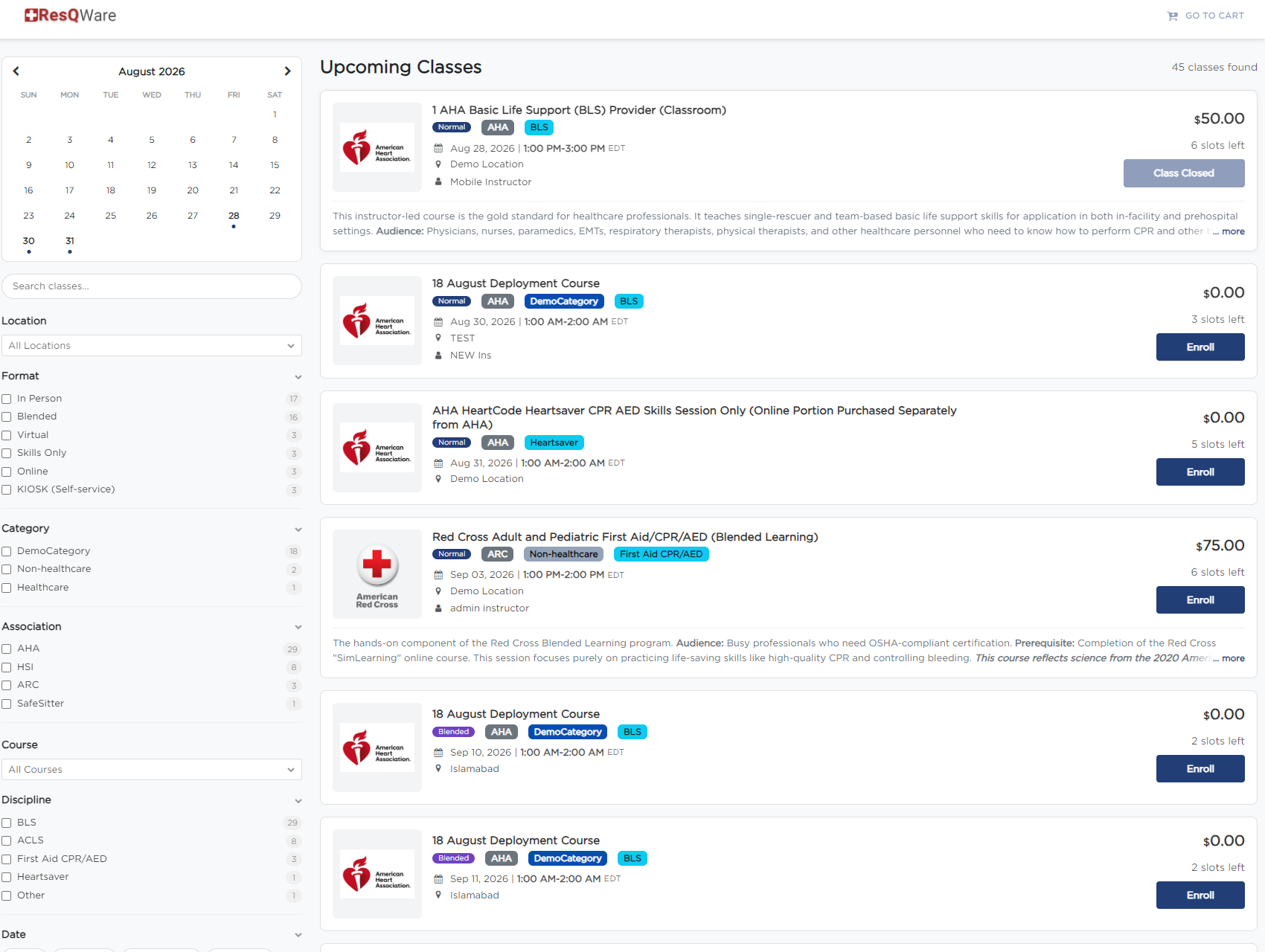
An Enrollment URL is the link you share with prospective students so they can browse your class schedule and register. It points to your student-facing registration page at classes.cprenroll.com — this is completely separate from your admin dashboard. Students who visit this link never see any admin features; they only see your branded public registration page.
Types of Enrollment URLs
URL Type | What It Shows | Best Used For |
All Classes & Group Training | All upcoming classes with calendar, filters, and a group training request form | Primary shareable link — recommended for most organizations |
Layout Based View | Accordion-style course and class list | Organizations with many course types |
List View | Flat searchable list of all classes | Students who want to compare or search |
Calendar View | Interactive monthly class calendar | Students scheduling around commitments |
Direct Class URL | A single specific class | Email campaigns, class-specific QR codes |
Slot Registration URL | Appointment booking calendar | Private sessions, consultations |
Getting Your Enrollment URLs
- Click your username in the lower left of the screen.
- Click the ^ arrow.
- Select Share Registration. From there, you can choose which share page you'd like to use.
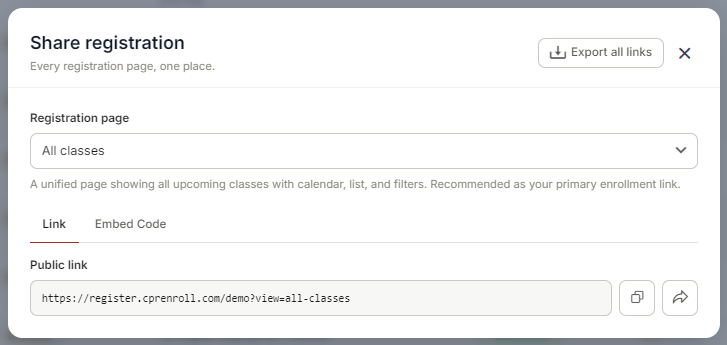
Short Enrollment URLs
Each enrollment URL also has a corresponding short link on the cprenroll.me domain. Short links are easier to share verbally, in text messages, and on printed materials. Find your short links in QR Codes > Short Links.
ℹ Do not share your dashboard URL (dashboard.cprenroll.com) with students — it requires login and shows admin features. Always share the classes.cprenroll.com enrollment URLs with students.
- Click your username in the lower left of the screen.
- Click the ^ arrow.
- Select Share Registration. From there, you can choose which share page you'd like to use.
Was this article helpful?
Related articles
- Creating and Using Short LinksShort links in CPR Enroll+ are shortened URLs using the cprenroll.me domain that redirect to your full registration pages, class pages, or any other URL. They are automatically generated for key platform items and can also be created manually. Short links are ideal for sharing in text messages, sociGetting Started
- Understanding Share RegistrationThe Share Registration screen is where you'll find every link and embed code you need — your full class catalog, appointment booking, and group training — along with embeddable website widgets, all from one place. Before You Begin - Your classes are scheduled and visible on your calendar, since the Getting Started
- How to Find Important URLs for EnrollmentsCPR Enroll+ uses three domains that serve different purposes. Knowing which URL to use — and where to find it — ensures you share the right link with students and embed the right widget on your website. The Three CPR Enroll+ Domains Domain Purpose Who Uses It dashboard.cprenroll.com Admin dashboardGetting Started
- Creating and Using QR CodesQR codes let prospective students scan and land directly on your class registration page with a single camera tap — no typing required. CPR Enroll+ includes a built-in QR code generator with 10 link types and full visual customization. Download your QR codes as SVG, PNG, or JPEG files and place themGetting Started