Welcome to CPR Enroll+ — a complete operating system built specifically for CPR, first aid, and lifesaving training businesses. Whether you are an independent instructor running weekend classes or a training center managing dozens of instructors and hundreds of students a month, CPR Enroll+ is designed to handle every aspect of your operation so you can focus on what matters most: teaching.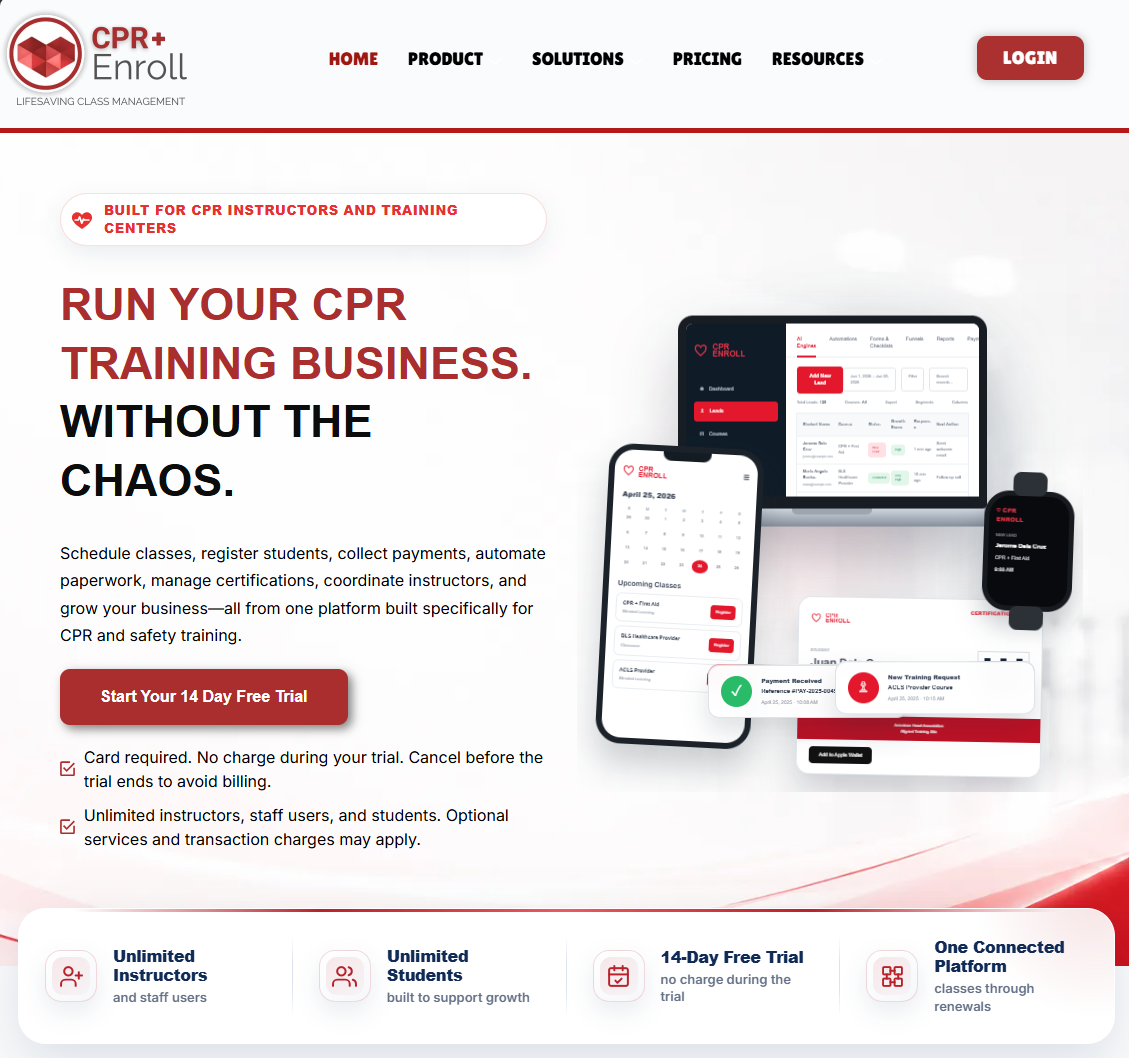
What Is CPR Enroll+?
CPR Enroll+ is a SaaS (Software as a Service) platform accessible at dashboard.cprenroll.com. It is built around two core engines that work together to run your training business end-to-end:
The Classes Engine — public and private class scheduling, mobile-friendly student registration, online payments, automated confirmation emails, certificate issuance, and QR code marketing.
The Admin & Compliance Engine — instructor and certification management, auto-generated rosters, skills checklists, paperwork submission and approval, audit-ready record storage, and role-based access control.
Who Is CPR Enroll+ Built For?
CPR Enroll+ serves training professionals at every scale:
Independent CPR instructors scheduling their own classes
Training centers managing multiple instructors and locations
Healthcare education companies delivering BLS, ACLS, PALS, and NRP programs
Organizations affiliated with the American Heart Association (AHA), American Red Cross (ARC), Health & Safety Institute (HSI), and 6 other certifying bodies
What Can You Do With CPR Enroll+?
Create courses and schedule classes (In Person, Blended, Online, Virtual, Skills Only, Kiosk)
Manage physical and virtual training locations with Google Maps integration
Track instructor certifications and portal access
Enroll students individually, manually, or by bulk Excel import
Process payments and invoices through Stripe
Generate QR codes and short links for marketing materials
Run compliance and attendance reports
Manage a product store with add-ons and volume pricing
Post job listings for instructors via the built-in Jobs Board
Share branded public registration pages at classes.cprenroll.com
Getting Started
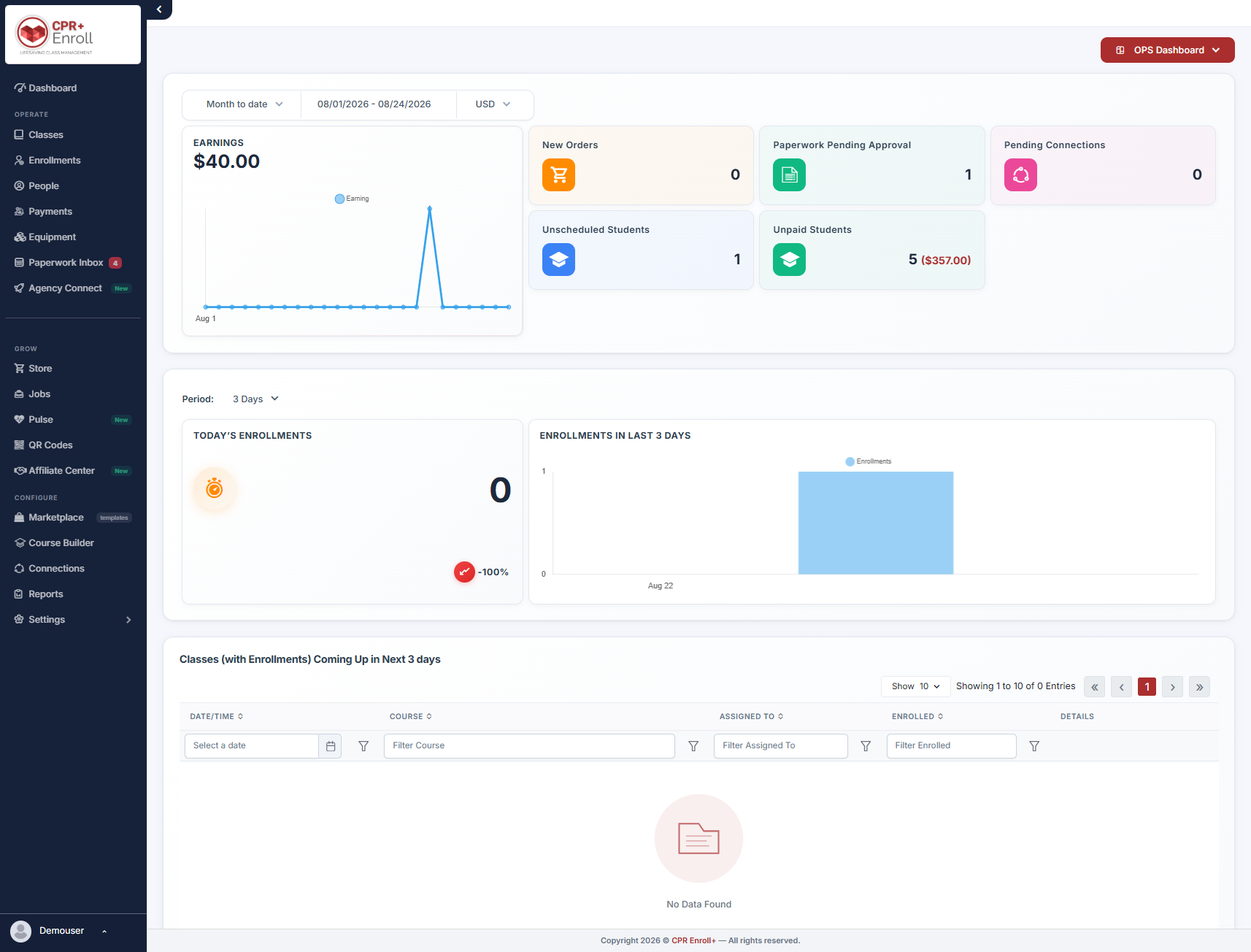
When you log in for the first time, you will land on the Dashboard — your home screen. From there, the Setup Guide (Settings > Setup Guide) gives you one-click access to every major action you need to take to get your account set up and your first class live.
You are joining a community of training professionals dedicated to making communities safer. Welcome!
Was this article helpful?
That’s Great!
Thank you for your feedback
Sorry! We couldn't be helpful
Thank you for your feedback
Feedback sent
We appreciate your effort and will try to fix the article