The Connections feature in CPR Enroll+ is a professional networking system for training organizations. It allows you to discover, connect with, and collaborate with other CPR and lifesaving training organizations on the platform. Think of it as a professional network specifically for training businesses — useful for referrals, co-training arrangements, and affiliate networks.
Accessing Connections
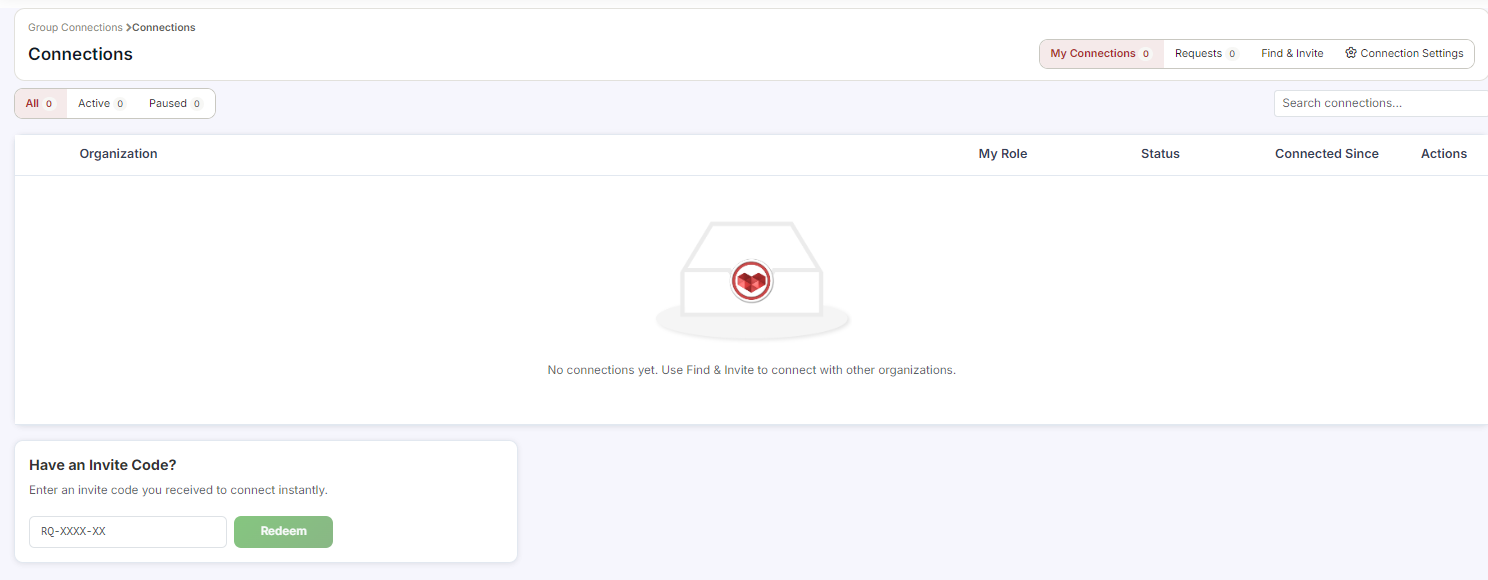
From the sidebar, go to Connections.
You will see four tabs: Available, Received, Sent, and Connected Groups.
Discovering and Connecting With Organizations
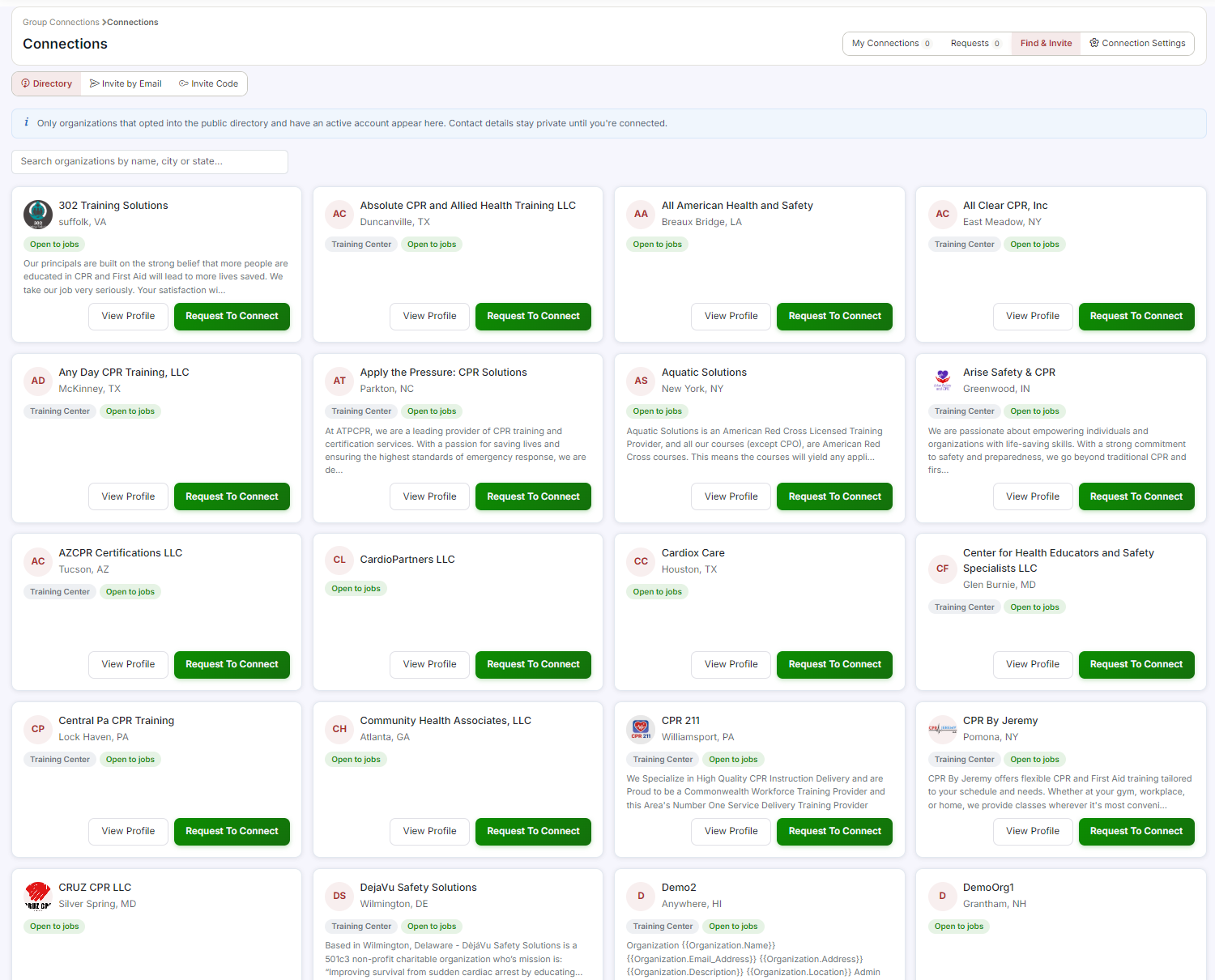
Click the Available tab to browse all discoverable training organizations on CPR Enroll+.
Browse the directory or use the search field to find a specific organization.
Click ⋮ > Send Request on the organization's row to send a connection request.
Your outgoing request appears on the Sent tab. The receiving organization sees your request on their Received tab.
Accepting or Declining Incoming Requests
Go to Connections > Requests tab.
Incoming connection requests from other organizations are listed here.
Click ⋮ on a request row and select Accept or Decline.
Accepted connections appear on both organizations' Connected Groups tab.
Managing Your Connected Groups
Click the Connected Groups tab to see all organizations you are connected with.
Each connected organization shows their name, address, phone, and parent organization.
Use the ⋮ menu on a connected group to manage the connection (e.g., disconnect if the partnership has ended).
Was this article helpful?
That’s Great!
Thank you for your feedback
Sorry! We couldn't be helpful
Thank you for your feedback
Feedback sent
We appreciate your effort and will try to fix the article